Photoshop remains the familiar default in many teams, but in 2026 the “best tool” is often the one that fits your workflow, security posture, deployment model, and budget rather than a brand name. IT professionals usually care less about novelty filters and more about predictable results: color accuracy across devices, repeatable exports, compatibility with layered files, automation hooks, and a licensing model that won’t surprise procurement.
The good news is that the ecosystem has matured. Today you can cover most Photoshop-centric tasks using a mix of modern commercial apps, strong open-source projects, and web-based editors that run anywhere. The most practical approach is to map your actual use cases—UI/UX assets, marketing banners, technical diagrams, photo retouching, texture work, or batch processing—then pick the tools that minimize friction in your pipeline.
What IT Professionals Should Prioritize When Replacing Photoshop
Before swapping tools, it helps to define what “replacement” means in your environment. Creative teams often focus on brush feel and feature depth, while IT tends to prioritize operational reality: rollout, compliance, integration, and supportability. The most common “gotchas” appear in file compatibility, font handling, color management, and automation.
In practice, many organizations don’t replace Photoshop with a single app. They adopt a primary editor for layered work, a dedicated RAW/photo workflow tool, and one or two utilities for batch conversion, compression, and lightweight edits.
- File interoperability: PSD import/export quality, layered formats, smart objects equivalents, masks, blend modes, and text layers.
- Color management: ICC profiles, soft proofing, predictable sRGB/Display P3 workflows, and export controls for web vs print.
- Automation: scripting, macros, batch operations, CLI helpers, headless conversion, and build-pipeline friendliness.
- Security posture: offline capability, telemetry controls, sandboxing constraints, and web-editor data handling.
- Deployment & licensing: MSI/PKG options, admin templates where available, seat vs device licensing, and clear renewal terms.
- Performance: GPU acceleration, large canvas handling, and stability on your standard workstation images.
Quick Tool-Picking Guide by Use Case
| Common 2026 Use Case | Strong Fits | Why IT Teams Like It |
|---|---|---|
| Layered design, UI assets, marketing banners | Affinity Photo, Pixelmator Pro, Photopea, GIMP | Good layered workflows, practical export controls, predictable day-to-day editing |
| Professional photo workflow (RAW, lens corrections, cataloging) | Capture One, DxO PhotoLab, ON1 Photo RAW, Darktable, RawTherapee | High-quality image pipeline, consistent batch processing, strong camera/lens tooling |
| Illustration, painting, concept art, textures | Krita, Clip Studio Paint, Procreate | Excellent brush engines and artist workflows, lighter operational footprint than full suites |
| Lightweight Windows editing and quick markup | Paint.NET, GIMP | Fast installs, low training overhead, g |
ood for simple tasks and internal documentation Anywhere editing (BYOD, locked-down machines, Chromebooks) Photopea, Canva Browser-based access reduces workstation requirements and speeds up adoption
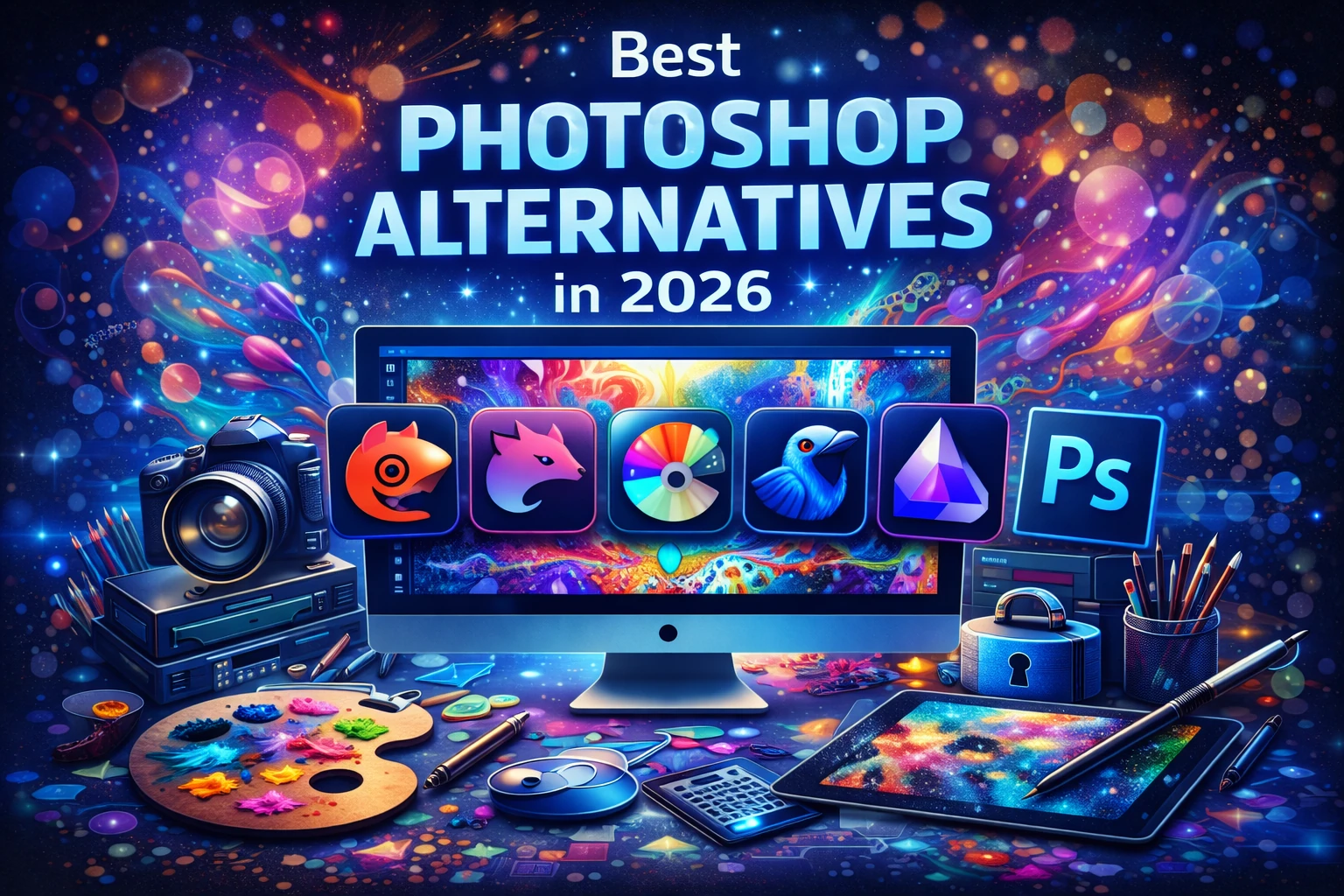
Best Photoshop Alternatives You Can Deploy in 2026
Affinity Photo
Affinity Photo is one of the most common “Photoshop replacement” picks when teams want a powerful layered editor without a subscription-first model. It covers a broad set of Photoshop-style tasks: compositing, masking, blend modes, retouching, and export workflows for web and print. For IT, it’s attractive because it typically behaves like a traditional desktop application—installable, offline-capable, and straightforward to support on standard endpoints.
In mixed environments, Affinity Photo often becomes the “primary editor” for designers who need layers and precision. If you’re migrating a PSD-heavy workflow, test your most complex PSDs early—especially those that rely on specialty features such as advanced text effects, uncommon blend modes, or embedded assets. Where compatibility is strong, teams can standardize on an Affinity-native project format and export PSD only when needed for external vendors.
- Best for: layered compositing, UI assets, marketing imagery, general-purpose editing
- IT angle: predictable desktop deployment, offline workflows, fewer identity/licensing surprises
- Watch for: edge-case PSD features; validate templates and shared asset libraries
GIMP
GIMP remains the flagship open-source alternative for raster editing. It’s widely available, actively maintained, and fits well in environments that value transparency, offline use, and broad OS support. For IT-driven orgs, the biggest advantage is governance: you can standardize on an open toolchain, document it, and deploy it broadly without a per-seat procurement cycle.
GIMP is especially useful for teams that need reliable image editing for documentation, knowledge bases, internal tooling UIs, and technical publishing. Its plugin ecosystem can fill gaps, and it’s a strong choice for scripting and batch tasks when paired with consistent processes. Training may be needed for designers who expect Photoshop-like UX, so consider creating internal “task recipes” for common workflows like cutouts, mockups, and web export presets.
- Best for: general editing, web graphics, technical content teams, mixed OS fleets
- IT angle: open-source governance, broad deployment, offline-first workflows
- Watch for: UX differences; PSD fidelity varies with complex layer structures
Krita
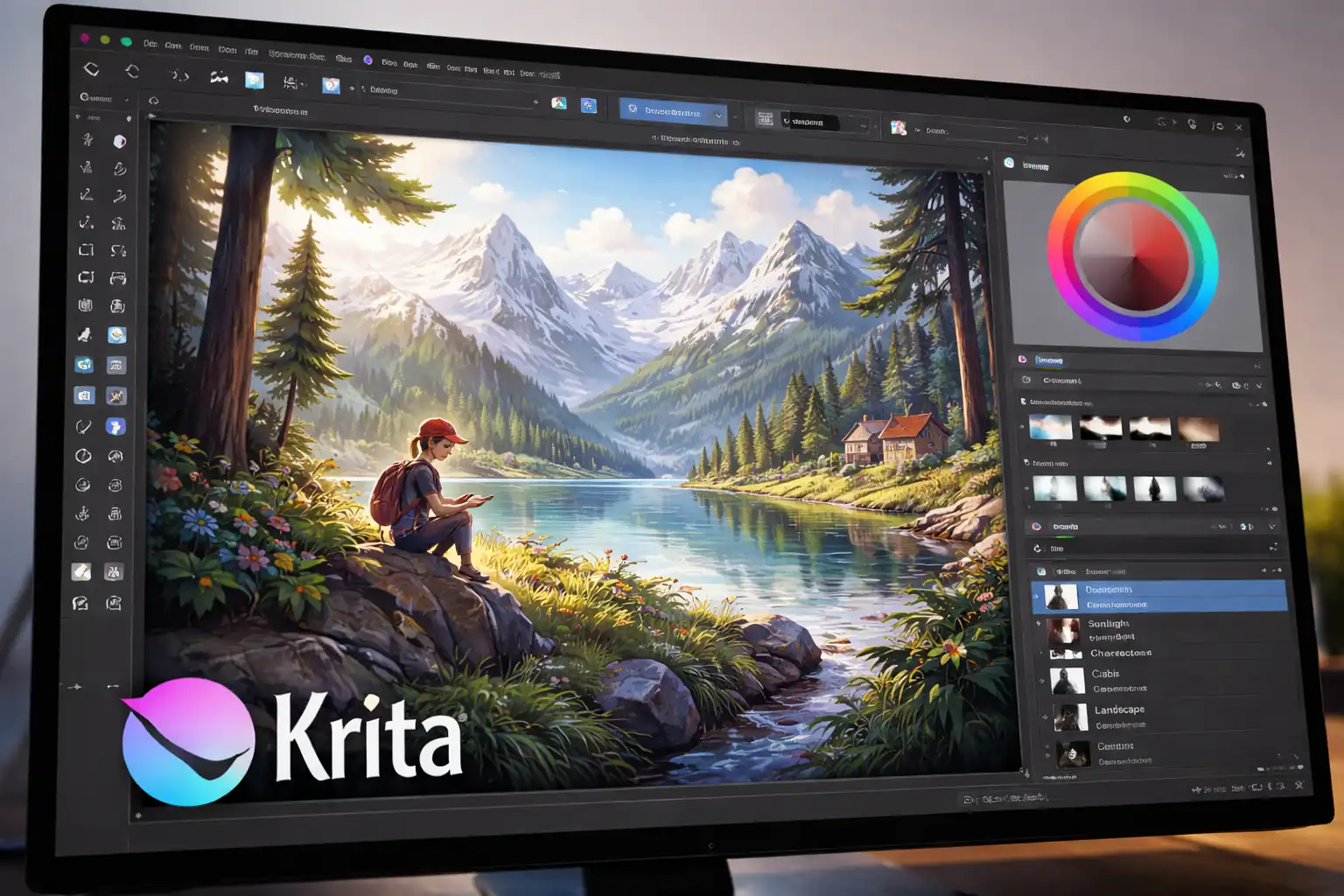
Krita is often categorized as a digital painting and illustration tool, but it’s also a strong Photoshop alternative for many creative teams—especially those producing artwork, concept visuals, textures, and stylized assets. It shines where brush quality and drawing workflows matter more than enterprise photo retouching.
For IT professionals supporting creative departments, Krita is a practical “specialist” editor that can reduce the need for heavyweight subscriptions in roles that don’t require the full Photoshop feature set. It’s also a good fit for teams building product visuals, UI illustration, and presentation assets where speed and brush feel drive output.
- Best for: illustration, painting, textures, creative asset generation
- IT angle: cross-platform support, strong capability without suite lock-in
- Watch for: less focused on traditional photo catalog workflows; pair with a RAW tool if needed
Photopea
Photopea is a web-based editor with a Photoshop-like workflow that can open layered files and handle many common PSD-centric tasks directly in the browser. It’s extremely useful in locked-down environments where installing full desktop software is slow, blocked, or inconsistent across contractors and temporary staff.
From an IT perspective, Photopea is often a “fast unblocking” tool. It’s great for quick fixes, vendor file reviews, simple compositing, and emergency edits when someone is on a restricted machine. Because it’s web-based, evaluate it through your security lens: data handling, offline requirements, and any policies around uploading sensitive imagery. Many orgs treat browser editors as suitable for non-sensitive assets and keep confidential work on offline-capable desktop tools.
- Best for: quick PSD edits, contractor workflows, device-agnostic access
- IT angle: minimal deployment friction, good for “break-glass” situations
- Watch for: security/compliance policies for browser-based content handling
Pixelmator Pro
Pixelmator Pro is a popular macOS-focused alternative that balances power and approachability. It’s especially strong for teams that need high-quality results without the overhead of an enterprise suite. For Mac-heavy orgs, it can become a default editor for product screenshots, marketing assets, UI graphics, and day-to-day image production.
IT teams supporting Mac fleets often appreciate tools that feel “native,” perform well on standard hardware, and reduce the dependency on cross-platform licensing constraints. Pixelmator Pro is a strong fit when the organization’s creative output is mostly digital (web, UI, documentation) rather than print-heavy color-managed pipelines.
- Best for: macOS teams, UI assets, marketing graphics, fast edits
- IT angle: streamlined Mac deployment, strong performance, low overhead
- Watch for: macOS-only scope; align tooling if your fleet is mixed OS
Corel PaintShop Pro
PaintShop Pro is a Windows-centric option that targets users who want a capable photo editor and design toolset without committing to an ecosystem subscription. It’s often used in SMB environments and by teams that prefer a familiar, desktop-first approach to image work.
For IT, the value is straightforward deployment within a Windows standard image and fewer external dependencies. It’s a practical pick for internal content teams producing documentation visuals, banner graphics, and product screenshots—especially when you want a single tool that can cover a lot of routine editing tasks without a steep learning curve.
- Best for: Windows shops, general photo editing, internal content production
- IT angle: desktop-first deployment, predictable endpoint performance
- Watch for: validate file exchange needs if you collaborate heavily with PSD-first vendors
Paint.NET
Paint.NET is the “lightweight workhorse” many IT teams keep around because it’s fast, simple, and effective for everyday tasks. It doesn’t aim to replace Photoshop feature-for-feature, but it reliably covers cropping, resizing, annotation, basic layer usage, and quick asset preparation.
In practice, Paint.NET is ideal for IT documentation workflows: screenshots, redactions, arrows and callouts, simple compositing, and quick exports for ticketing systems or internal wikis. It’s also a good “default editor” for non-designers who need to do occasional image tasks without a heavy training burden.
- Best for: screenshot markup, quick edits, IT documentation teams
- IT angle: lightweight deployment, low training cost, fast performance
- Watch for: not intended for advanced compositing or high-end retouching
Clip Studio Paint
Clip Studio Paint is widely used for illustration, comics, and detailed brush-based work. For organizations producing creative assets—tutorial visuals, character art, stylized product illustrations, or marketing artwork—Clip Studio can serve as the primary creative tool where Photoshop would otherwise be used mainly for brushes and layers.
IT teams tend to treat Clip Studio as a role-specific tool: deploy it to artists and visual creators, while keeping a more general editor for the broader org. This reduces license sprawl and aligns tooling with actual output.
- Best for: illustration-heavy teams, brush workflows, stylized creative production
- IT angle: targeted deployment by role, reduces reliance on a broad suite
- Watch for: pair with a photo workflow tool if RAW and lens corrections are central
Procreate
Procreate is a standout option for iPad-based creative workflows. It’s not a direct Photoshop clone, but for teams that sketch, storyboard, create illustrations, or generate concept visuals, Procreate can replace a significant chunk of Photoshop usage—especially when portability and stylus input matter.
In organizations that support modern device programs, Procreate often becomes a “creator’s notepad” that feeds a desktop pipeline. The IT opportunity is to formalize the handoff: define export formats, naming conventions, and storage locations so artwork moves cleanly from iPad creation to desktop finishing and version control.
- Best for: tablet-first creation, sketching, illustration, concept art
- IT angle: strong for mobile creator programs; clear workflows reduce shadow asset storage
- Watch for: iPad-centric; define how files are exported and stored for team collaboration
Luminar
AI-assisted photo editors like Luminar are popular when the goal is speed: quick enhancement, cleanup, and stylized looks without deep manual retouching. These tools can replace Photoshop for a surprising number of marketing and content tasks where “good fast” matters more than perfect control.
For IT professionals, the key is setting expectations. AI-driven editing can be consistent for a single user but may vary across asset types and brand guidelines. If you standardize an AI tool in production, document the presets and export settings so output remains predictable across team members.
- Best for: fast photo enhancement, content teams, marketing turnaround
- IT angle: accelerates production; standard presets improve consistency
- Watch for: brand consistency and repeatability; validate outputs against guidelines
ON1 Photo RAW
ON1 Photo RAW is frequently used as an all-in-one photo workflow tool that can handle RAW processing, effects, and many edits that might otherwise be split between Photoshop and a dedicated RAW application. It’s a strong candidate for teams dealing with large photo volumes and needing batch-friendly tools.
From an IT angle, a consolidated workflow can reduce training and tooling sprawl. If your org’s Photoshop usage is mostly “photo pipeline” rather than complex design compositing, ON1 can cover a large portion of the day-to-day work.
- Best for: high-volume photo teams, batch workflows, consolidated editing
- IT angle: fewer tools to support, clearer pipeline, strong batch operations
- Watch for: validate advanced compositing needs; pair with a layered editor if required
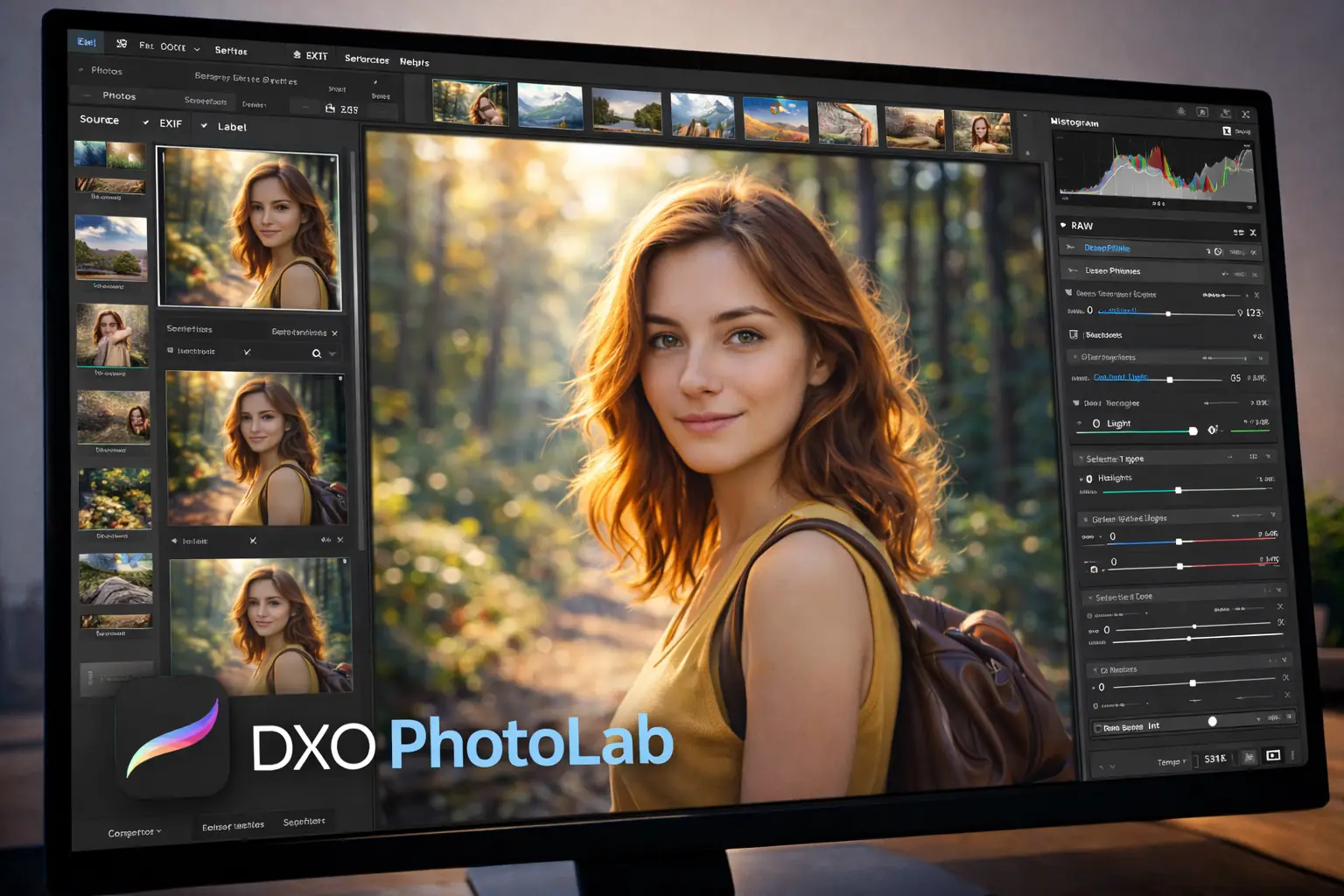
DxO PhotoLab
DxO PhotoLab is known for image quality in the RAW pipeline, especially in areas like noise handling, detail preservation, and optical corrections. If your “Photoshop workload” is often about improving photos for web, product pages, or marketing—rather than heavy compositing—DxO can become the primary tool and reduce how often Photoshop is needed at all.
IT teams that support media-heavy orgs can benefit from establishing a two-tier approach: DxO (or an equivalent) for RAW and batch improvements, and a layered editor only for the smaller set of assets that truly require compositing. This keeps licensing targeted and simplifies training.
- Best for: quality-focused RAW workflows, photo optimization, batch processing
- IT angle: reduces reliance on heavyweight compositing tools for photo-only pipelines
- Watch for: layered graphic design work still needs a dedicated raster editor
Capture One
Capture One is a professional-grade choice for photographers and teams that need a robust catalog and RAW workflow. It’s a strong “Photoshop alternative” when Photoshop is primarily being used as the final stage after RAW processing. In many environments, Capture One handles most editing, while only a small subset of images need layered compositing.
For IT professionals, the practical benefit is specialization. Capture One can anchor a consistent photo pipeline with defined export presets and color-managed workflows, while the org keeps a separate layered editor for the minority of cases that require it.
- Best for: studio workflows, cataloging, controlled export pipelines
- IT angle: consistent photo workflow reduces variance across teams
- Watch for: not designed as a general-purpose raster design replacement
darktable
darktable is a powerful open-source RAW workflow tool. In orgs that prefer open tooling, it can be the foundation of a high-quality photo pipeline with robust batch capabilities. It pairs well with GIMP for the “finish work” that requires layers, text, or compositing.
If you’re supporting Linux-heavy environments or security-focused workflows that avoid cloud dependencies, the darktable + GIMP combination is one of the strongest “all open-source” replacements for large parts of a typical Photoshop-centric workflow.
- Best for: open-source RAW pipelines, batch processing, Linux-friendly workflows
- IT angle: governance-friendly, offline-first, strong for standardized exports
- Watch for: training required; consider documentation for presets and export standards
RawTherapee
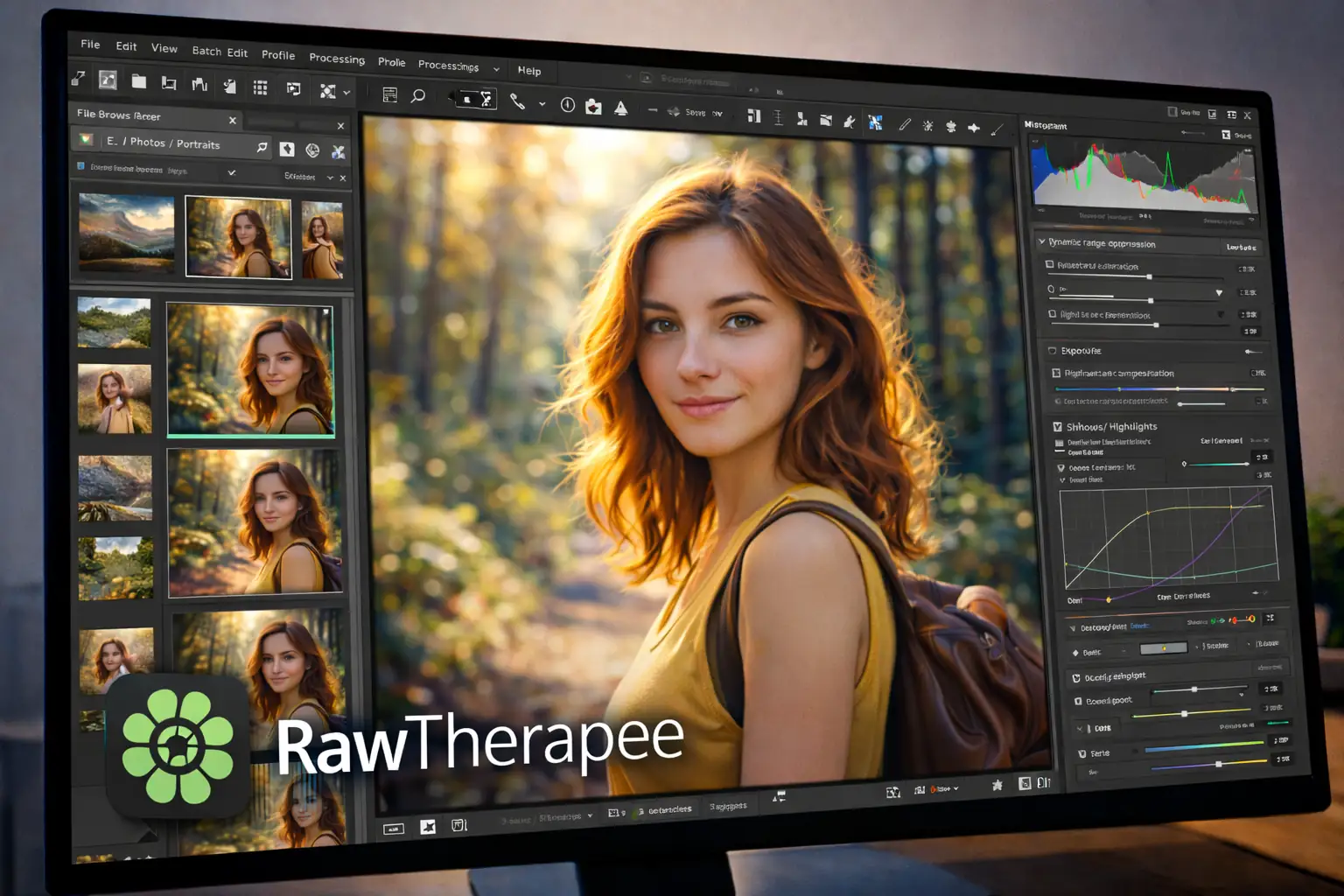
RawTherapee is another excellent open-source RAW processor. It’s commonly used when teams want fine control over image development and a repeatable export pipeline. Like darktable, it works best as part of a toolbox: RAW editing here, then layered work in a raster editor when necessary.
IT teams can standardize RawTherapee for consistent RAW conversion across departments, making output predictable for web publishing and product imagery. When you define presets and export targets, you reduce “mystery differences” between staff members’ results.
- Best for: RAW conversion with strong control, consistent export pipelines
- IT angle: open-source standardization, reproducible outputs via presets
- Watch for: not a layered design replacement; pair with a raster editor
Canva
Canva isn’t a Photoshop clone, but it replaces Photoshop in many organizations for a specific reason: it enables non-designers to produce on-brand assets quickly using templates, shared brand kits, and controlled export settings. If your IT team supports large numbers of staff who occasionally need marketing graphics, event banners, or internal comms visuals, Canva can significantly reduce ad-hoc requests and inconsistent output.
The operational value is centralized governance of templates and brand assets. Instead of distributing PSDs and hoping edits remain consistent, teams work from shared layouts. For sensitive environments, treat Canva as a governed SaaS tool: define what asset types are allowed and where final outputs are stored.
- Best for: template-driven graphics, internal comms, fast marketing collateral
- IT angle: reduces support load by enabling self-service creation
- Watch for: SaaS governance and data handling requirements
Migration Tips for Teams Moving Off Photoshop
The fastest way to derail a migration is to assume “PSD support” means “perfect parity.” Instead, migrate by workflows. Start with a representative set of files: brand templates, social banners, UI exports, and the most complex layered documents you share with external partners. Validate the full path from edit to export to review, not just whether a file opens.
- Standardize export targets: define sRGB for web, specify pixel dimensions, and document compression rules for PNG/WebP/JPEG.
- Create internal presets: name them consistently so output is predictable across team members and devices.
- Document font handling: keep a managed font library, define substitution rules, and confirm licensing for brand fonts.
- Separate roles: give artists an illustration tool, photo teams a RAW workflow tool, and everyone else a lightweight editor.
- Build a review loop: ensure stakeholders can comment and approve without needing the same editor installed.
- Automate where possible: batch resize, watermarking, and compression can move to scripts or CI jobs to reduce manual work.
A Practical “Stack” That Replaces Most Photoshop Usage
If your organization wants broad coverage with minimal disruption, a stack approach tends to work best. Pick one primary layered editor for design and compositing, one dedicated photo/RAW workflow tool for image development, and one lightweight utility for quick edits and documentation.
A common, low-friction stack looks like this: a layered editor (Affinity Photo or GIMP), a RAW tool (Capture One, DxO, ON1, darktable, or RawTherapee), and a lightweight editor (Paint.NET) for quick screenshot work. Web editors like Photopea serve as a flexible backup for restricted machines.
Closing Thoughts
The best Photoshop alternative in 2026 is the one that matches your operational reality: predictable installs, manageable licensing, consistent exports, and workflows that your teams can actually follow. Start with your most common tasks, choose tools that align with your security and deployment constraints, and document presets so results stay consistent across users and devices. With the right mix, most organizations can reduce dependency on a single tool while improving resilience, cost control, and workflow clarity.

 12239
12239  IT Pro