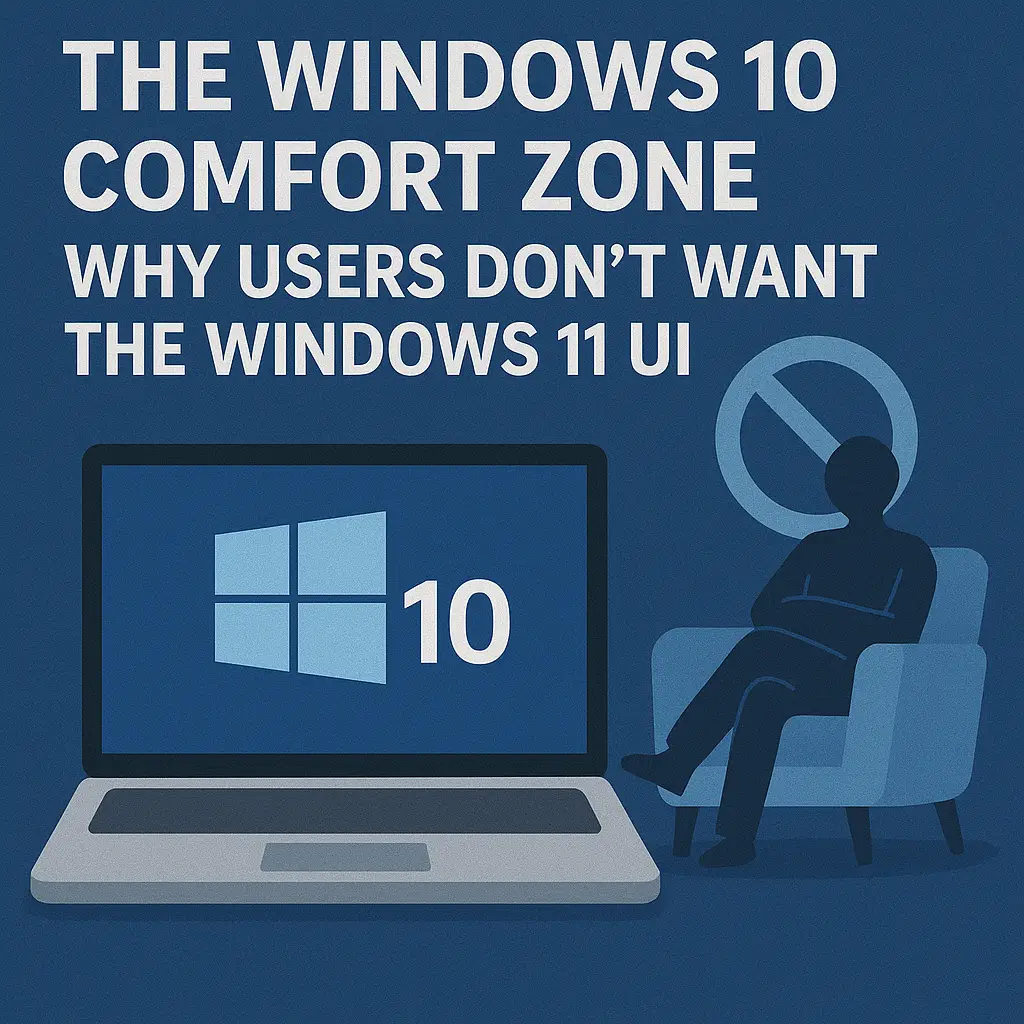
Windows 11 introduces a modernized, streamlined interface that reflects Microsoft’s shift toward cloud-enabled workflows, touch-friendly interactions, and a more minimalist design philosophy. However, despite these visual improvements, countless organizations and end users continue to prefer the familiar Windows 10 experience. For IT professionals responsible for managing user expectations, onboarding, and productivity, understanding this resistance is essential for successful migration planning.
This article explores why so many users prefer the Windows 10 UI and why the transition to Windows 11 often generates confusion, frustration, or reluctance—even among technologically experienced professionals.
Muscle Memory Built Over a Decade
User interface familiarity is one of the most underestimated factors in productivity. Windows 10’s layout, menu structure, File Explorer behavior, and Start Menu design have become second nature to millions of employees. Years of daily use create deeply ingrained habits that optimize speed and efficiency.
Windows 11 alters core interaction points, such as the Start Menu layout, taskbar behavior, context menus, and system controls. These changes interrupt workflows and force users to relearn basic navigation sequences. Even small UI differences can result in slower task execution, reduced confidence, and increased frustration for employees who depend on speed and consistency.
Reduced Customization and Workflow Flexibility
Windows 10 provides a high level of customization, especially around the Start Menu, taskbar, and pinned items. Users and IT teams have built workflows that rely on:
• Custom Start Menu folders
• Taskbar toolbars
• Quick access links
• Legacy context menu integrations
Windows 11 reduces or removes many of these capabilities. For example, taskbar repositioning is limited, folder grouping in the Start Menu has changed, and the context menu hides several advanced or third-party options. This loss of flexibility makes users feel constrained compared to their Windows 10 experience.
A More Minimalist Interface That Hides Useful Features
Windows 11 prioritizes a clean, modern aesthetic, but this often comes at the cost of discoverability. Many UI elements that were immediately visible in Windows 10—such as full context menus, detailed Ribbon tools, or quick access options—are now hidden behind additional clicks or streamlined menus.
For enterprise power users, developers, IT technicians, and professionals who rely on granular controls, this can slow down navigation and increase the cognitive load required to complete tasks.
The Start Menu: The Center of User Frustration
The Start Menu redesign remains one of the most polarizing changes in Windows 11. Windows 10 offered a hybrid layout combining app lists, live tiles, and organizational folders. Many enterprise environments standardized their Start menus to guide employees toward approved tools or workflows.
Windows 11 replaces this structure with a simplified, centered panel of pinned apps and recommendations, reducing customization options and removing organizational features users relied on. This shift disrupts long-standing habits and forces users to adapt to a more rigid system.
Taskbar Limitations and Removed Features
Windows 11’s taskbar has been rebuilt with a more modern foundation, but it comes with several limitations compared to Windows 10:
• No ability to drag and drop files onto taskbar icons (initially)
• No taskbar resizing options
• Limited app grouping and layout flexibility
• Restricted relocation (cannot move to top or sides)
Although Microsoft has restored some features over time, the early perception of the taskbar as more restrictive than Windows 10 continues to affect user sentiment.
Changes to File Explorer Disrupt Daily Navigation
File Explorer’s modernized design introduces new command bars, updated icons, and simplified menus. While these improvements enhance aesthetics, they remove the familiar Ribbon interface and bury advanced options under additional menus.
For professionals who regularly manage large directories, network drives, or complex file operations, these changes slow navigation and require time to adjust, creating frustration during the migration period.
Cloud-Driven Features Feel Excessive for Traditional Workflows
Windows 11 prioritizes Microsoft cloud integration, which can feel intrusive to users who prefer local control or who work in environments with strict data governance requirements. The increased prominence of OneDrive, Widgets, and personalized online content affects how users perceive the OS.
Many employees simply want a predictable, offline-capable interface similar to Windows 10, without cloud-centric features that require adaptation or additional configuration.
Performance Concerns on Non-Modern Hardware
Windows 11’s user interface uses more GPU acceleration and system resources than Windows 10. On older or minimally compliant hardware, this results in UI lag, slower animations, or delayed window transitions. Employees accustomed to Windows 10’s responsiveness may view these performance differences as a downgrade.
Smooth performance contributes significantly to user satisfaction, and even minor delays reduce enthusiasm for adopting the new OS.
Change Fatigue in Corporate Environments
Many organizations have recently undergone major transformations—from remote work infrastructure to cloud migrations, cybersecurity modernization, and ERP upgrades. Adding a full operating system interface change on top of these transitions often feels overwhelming to both users and IT staff.
Windows 10 represents stability and familiarity during a period of continuous enterprise change. Windows 11, by contrast, introduces uncertainty and new learning curves at a time when many organizations are already stretched thin.
User Resistance Isn’t About Nostalgia—It’s About Efficiency
While some may frame Windows 10 loyalty as resistance to change, the reality is more practical. Windows 10 offers a mature, predictable environment optimized by years of user experience and IT refinement. In contrast, Windows 11’s UI changes force users to relearn fundamental interactions without offering clear productivity benefits in return.
For most users, efficiency outweighs aesthetics. Until Windows 11 can match or exceed Windows 10’s workflow capabilities, resistance will remain strong across enterprise environments.
Conclusion
The Windows 10 comfort zone exists because the OS provides consistency, flexibility, and efficiency that users have spent years mastering. Windows 11 introduces modern design principles and new features, but these shifts come with trade-offs that disrupt familiar workflows. For IT professionals, understanding user reluctance is key to planning successful migrations, developing appropriate training resources, and managing organizational expectations.
Ultimately, adoption will improve as Windows 11 matures. But until its UI balances familiarity with innovation—and its changes translate into real productivity gains—many users will continue to prefer the well-established comfort of Windows 10.

 10556
10556  IT Pro