Tagline:HowtoChangeResolutioninMacOSMonterey12.6.1v17.6.11
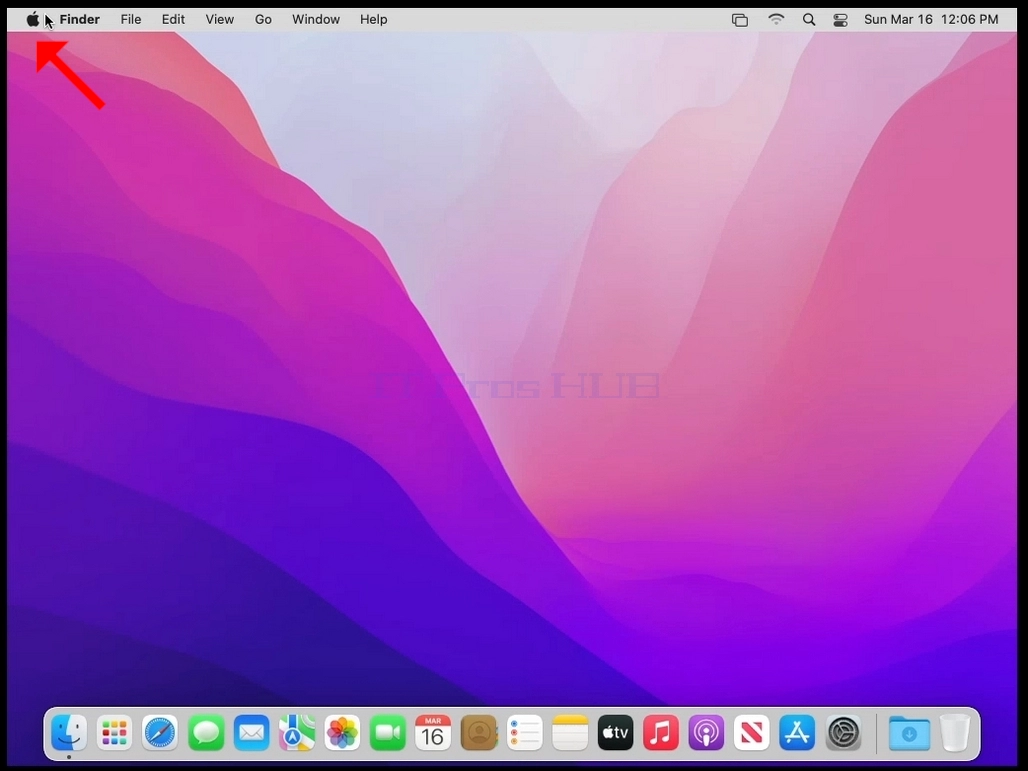
- Look for the Apple icon on the top left corner of the screen and click it.
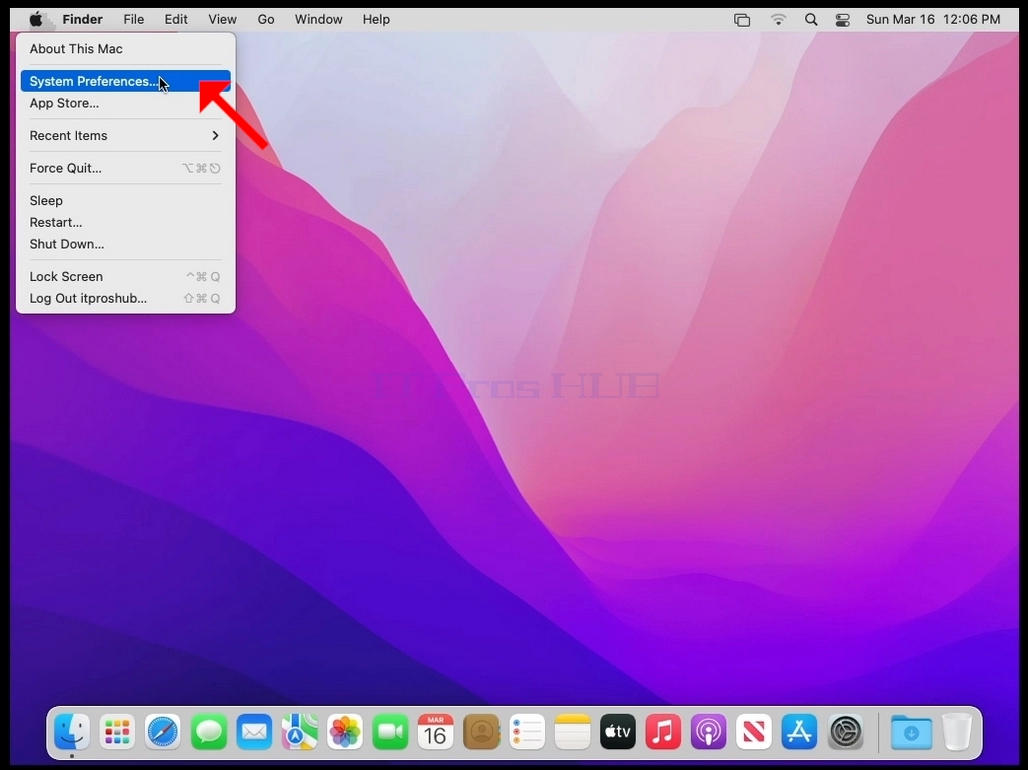
- Click System Preferences
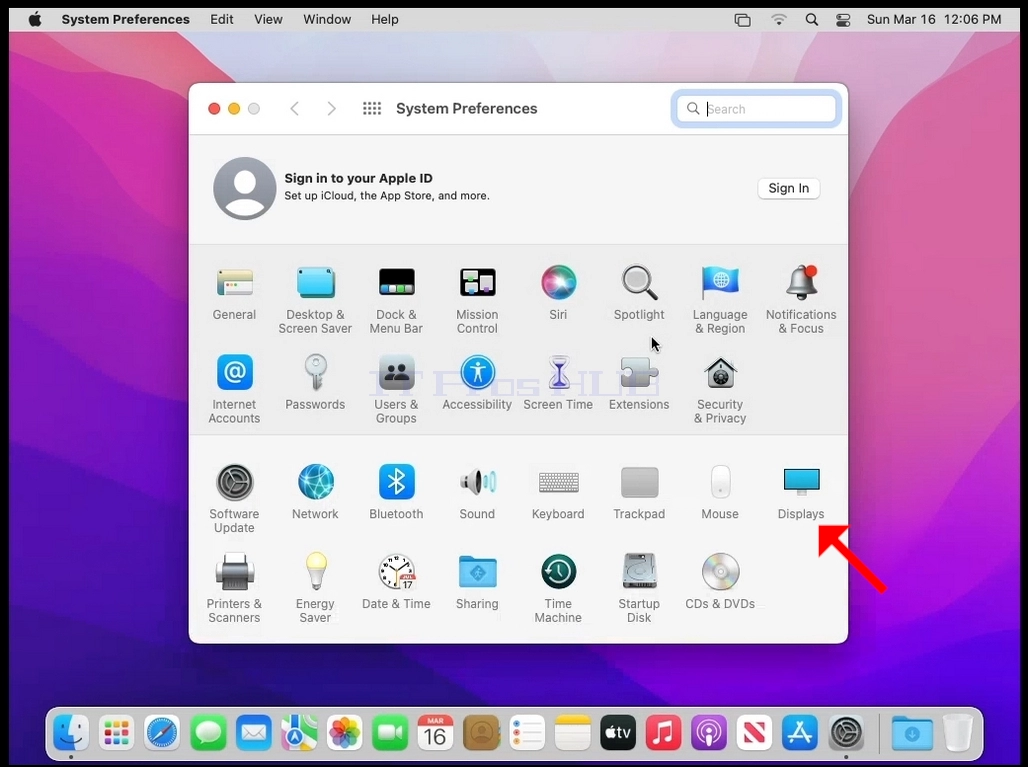
- In the new System Preferences window, find the Displays icon.
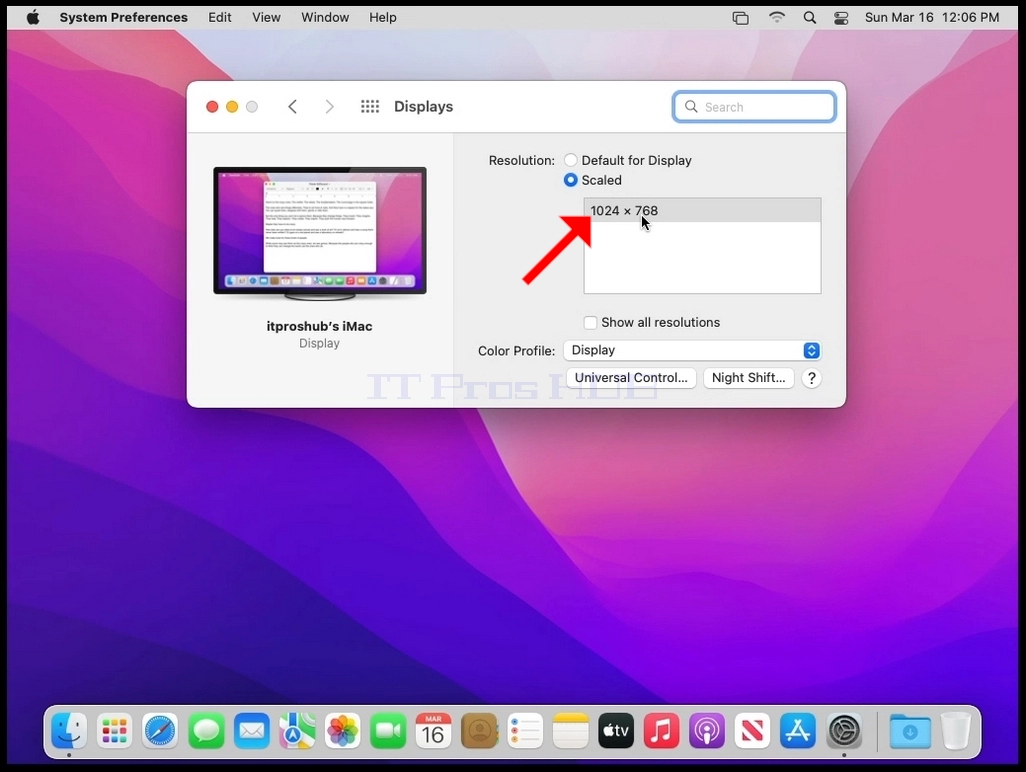
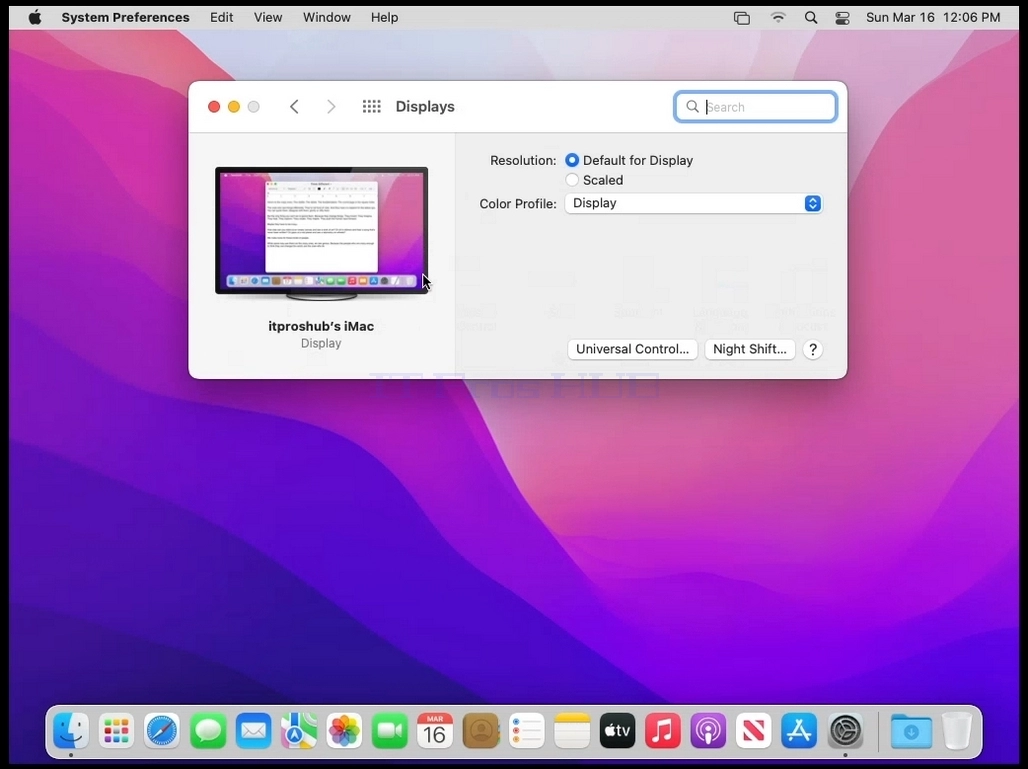
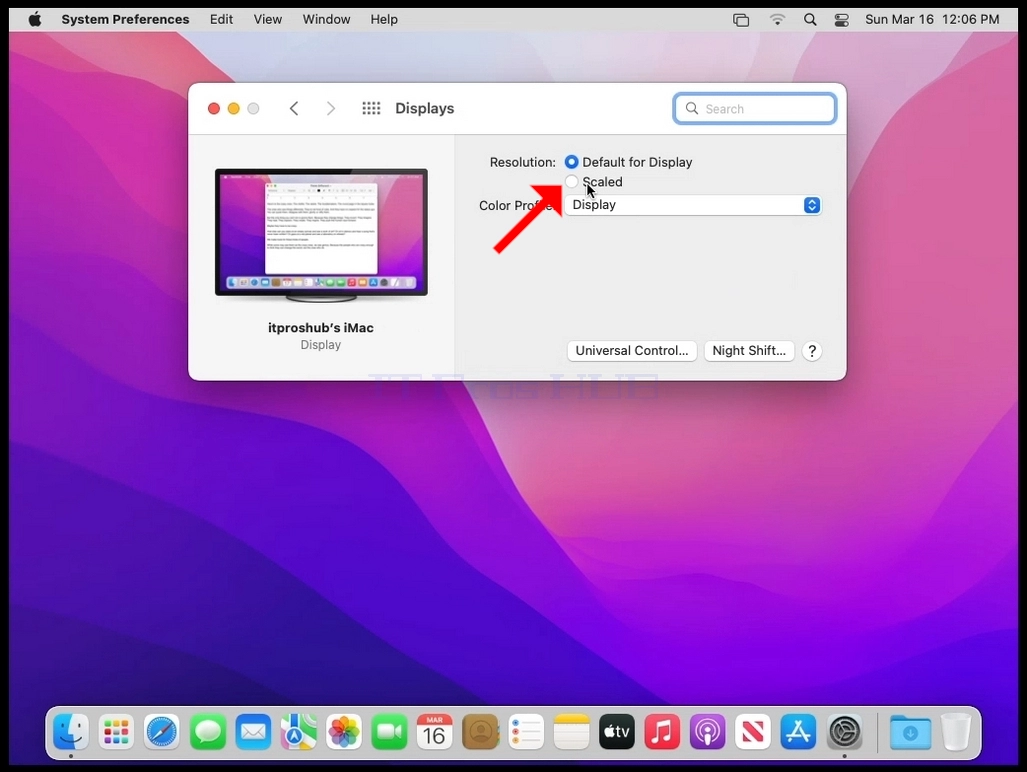
In the display window, select Scaled.
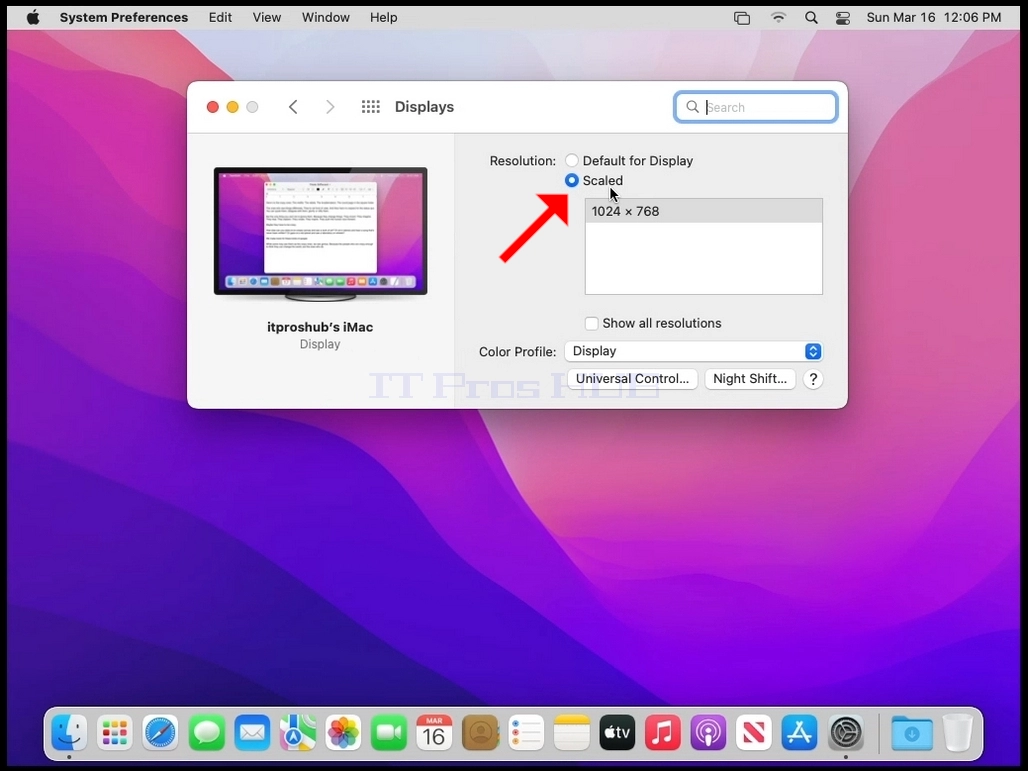
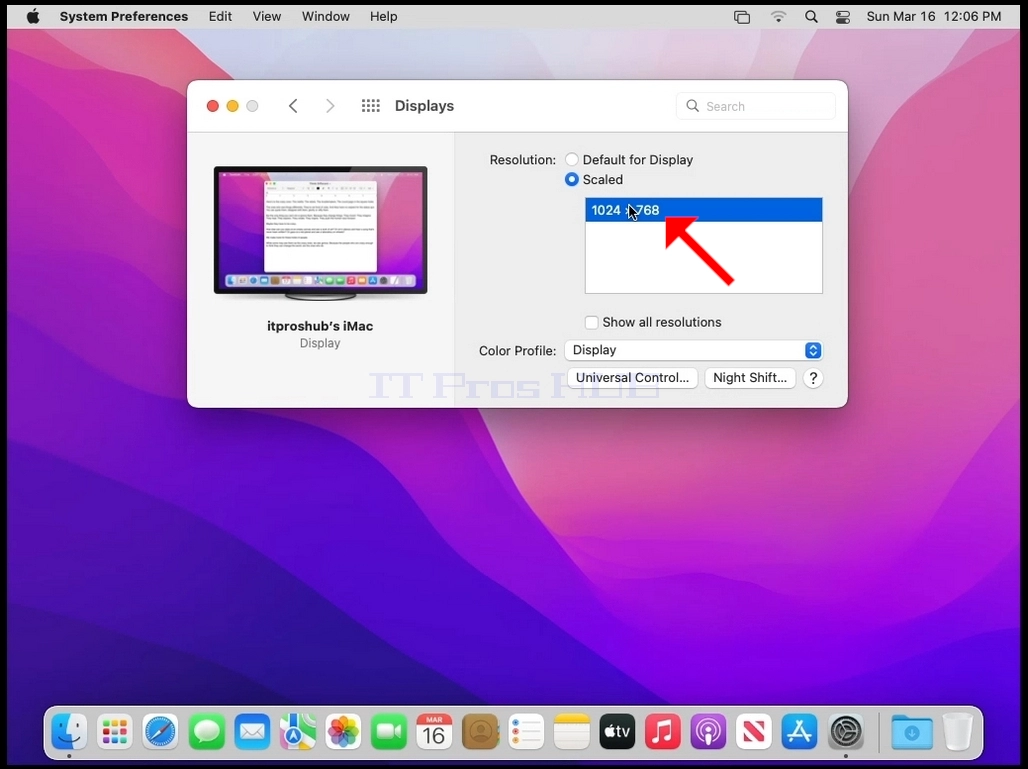
- After selecting Scaled, select the available resolutions for your Mac (In this case the only available resolution is 1024x768).