



- Details
- Written by: IT Pro
- Category: SaaS
- Hits: 5131
1. Open the Firefox browser
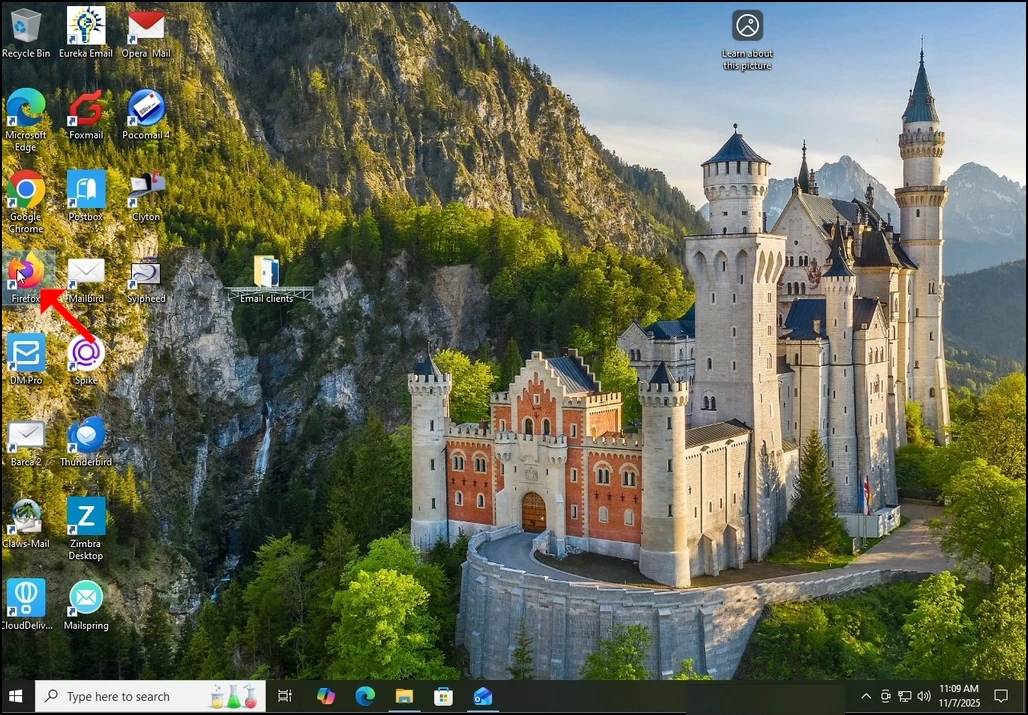
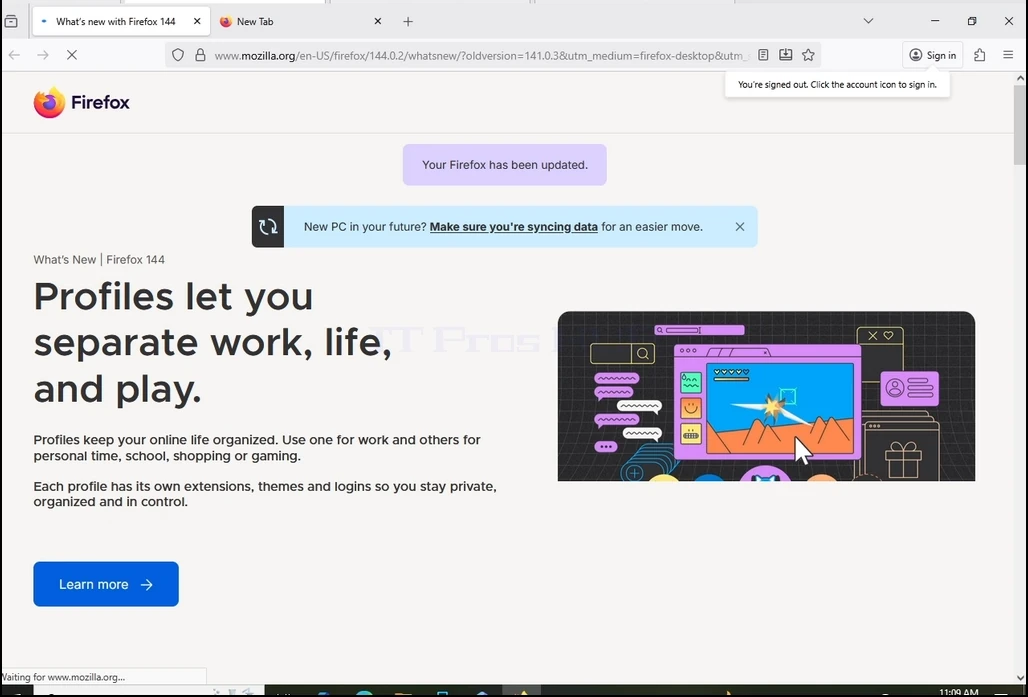
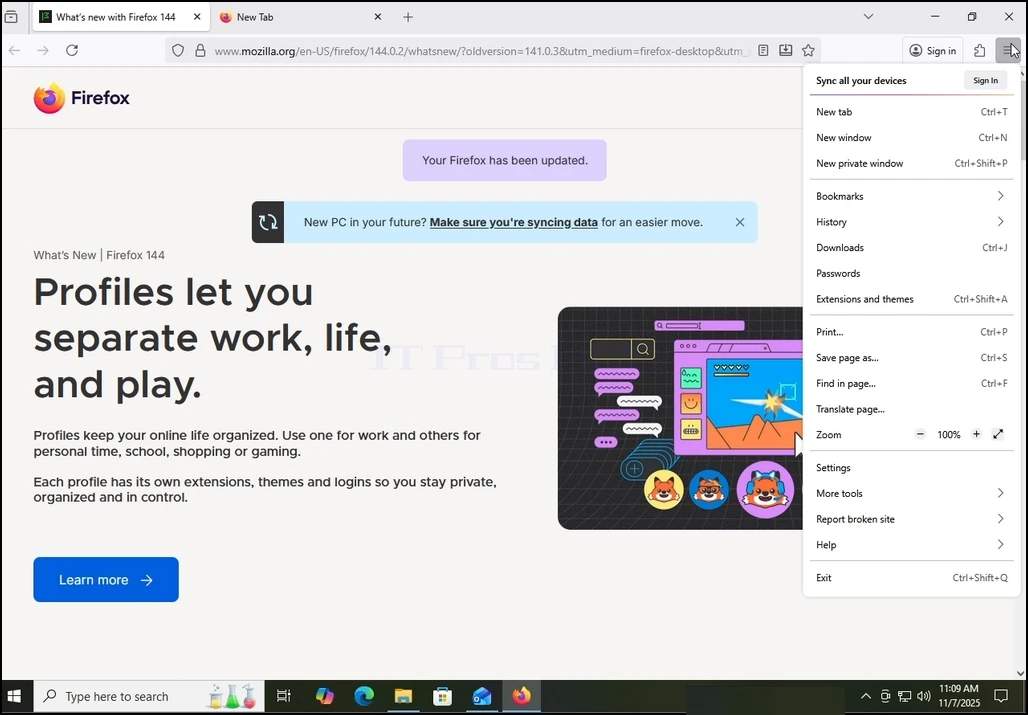
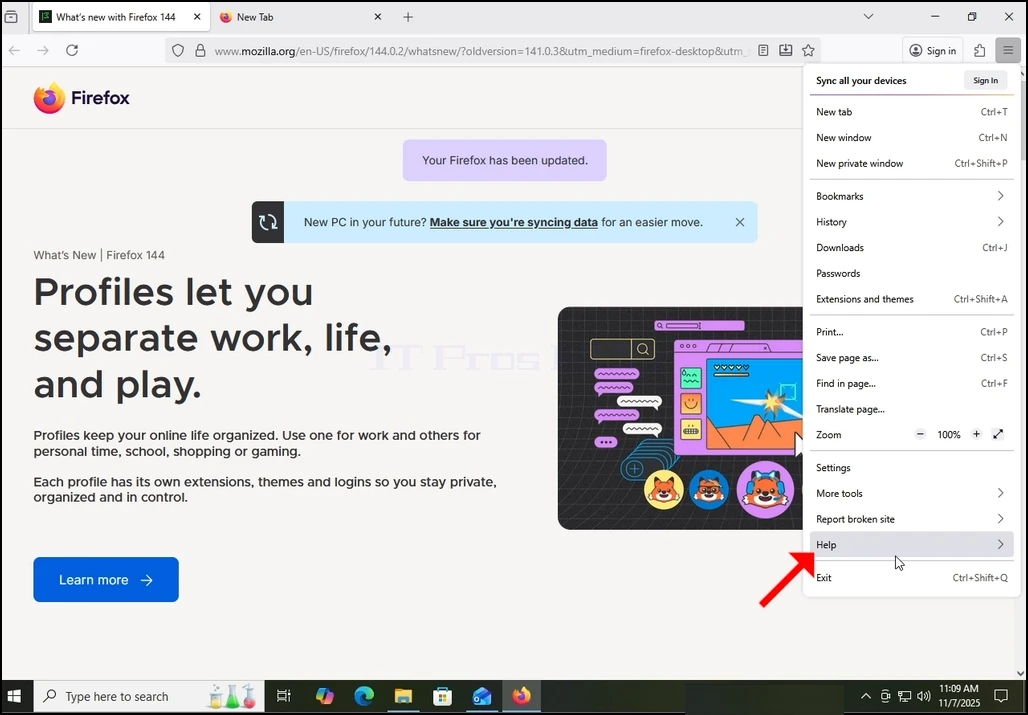
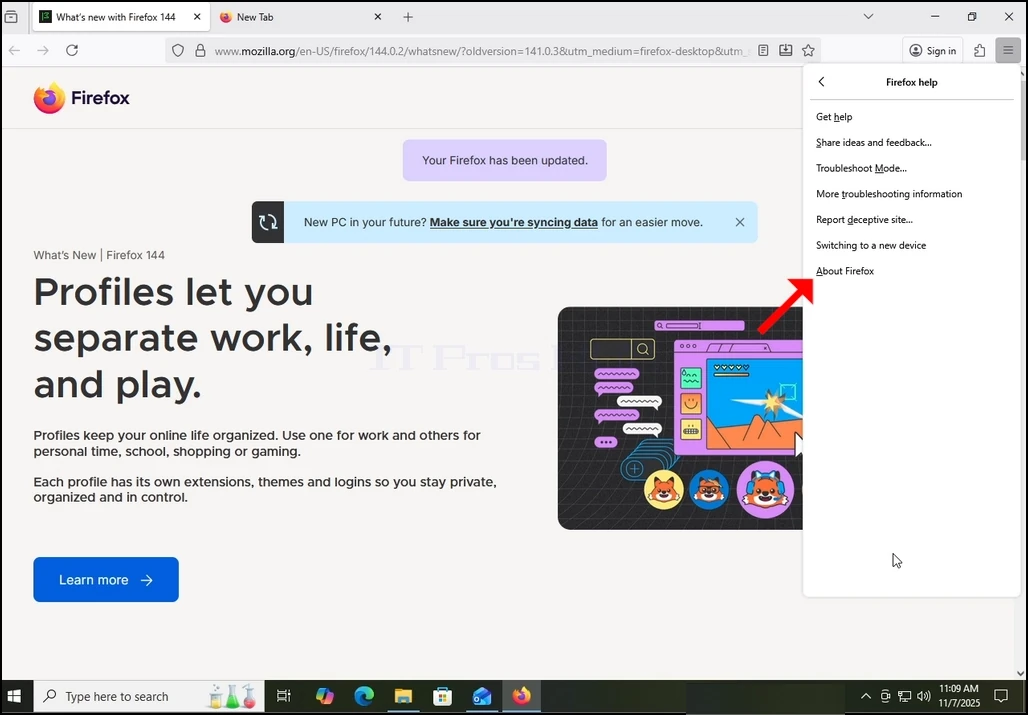
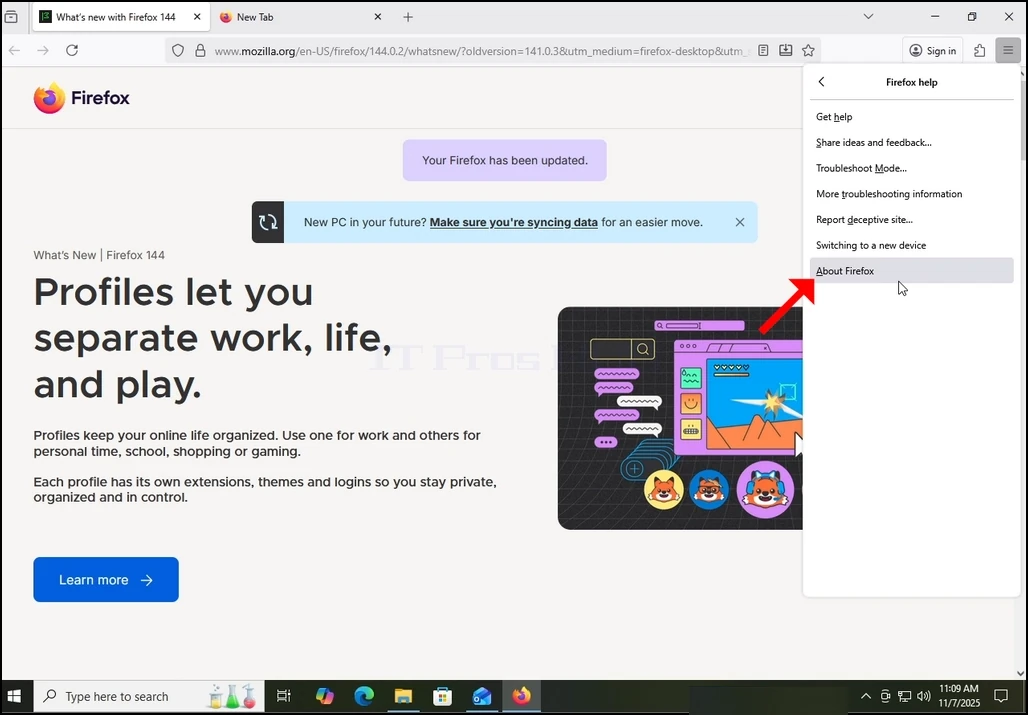
4. Once extended, more options will appear. Choose the last one. “About Firefox” and click on it once. Once clicked, a popup window will appear titled “About Mozilla Firefox”.
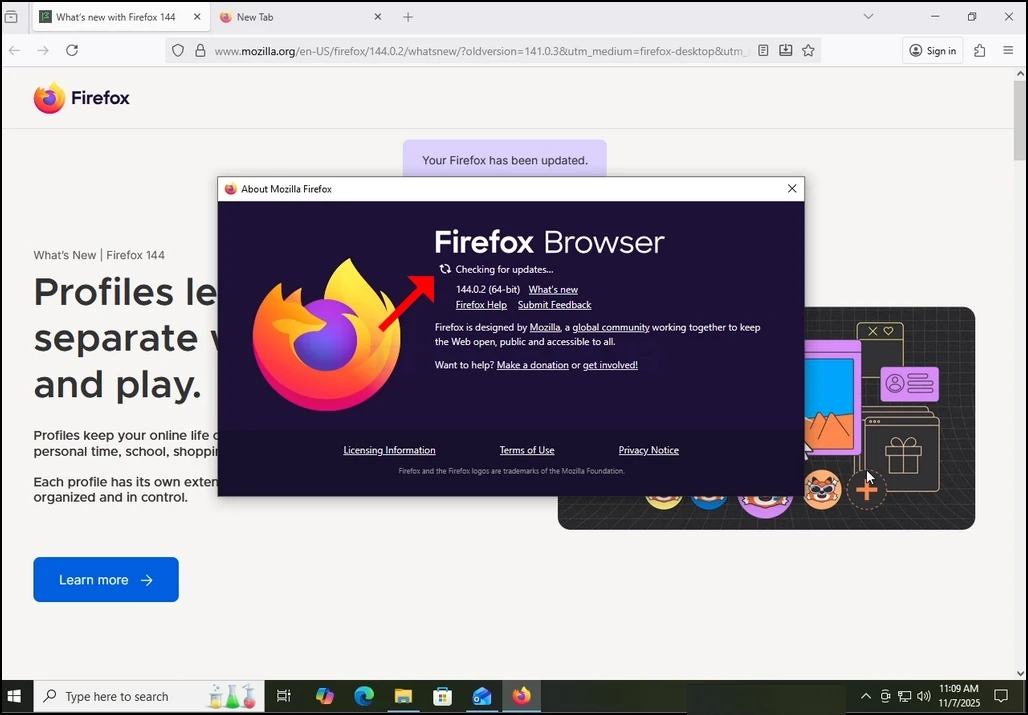
5. Once the mentioned window appears. Firefox would immediately start looking for updates for itself. It will notify you by showing the “Checking for updates…” sentence siding with a small, animated icon of 2 arrows “chasing” each other.
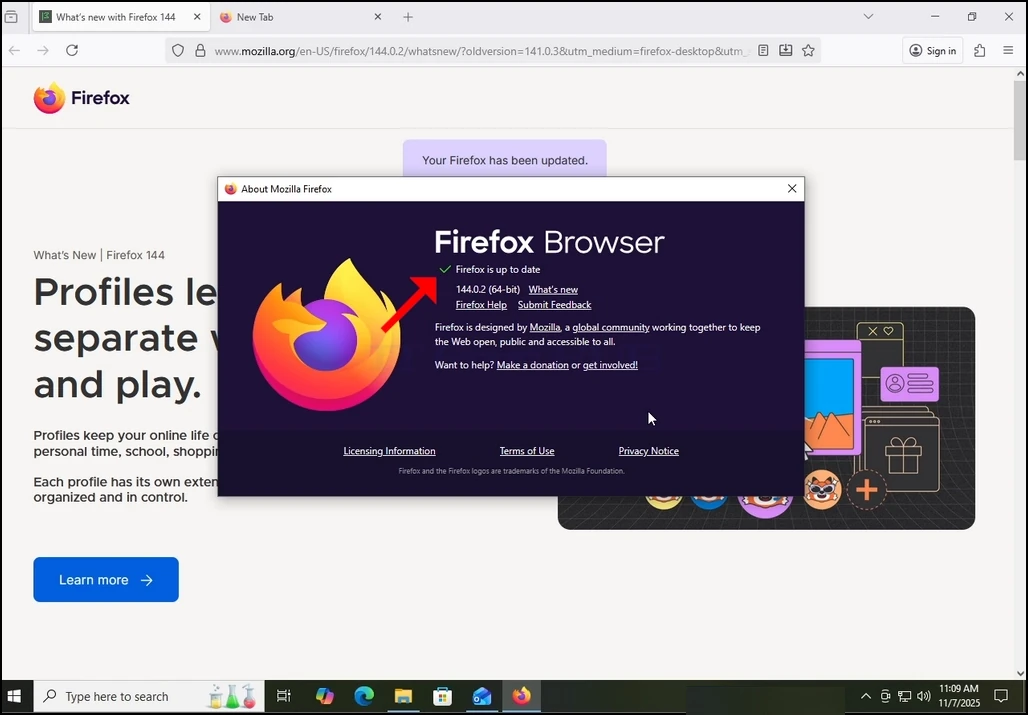
6. If there are updates pending or a newer version of Firefox available in Mozilla’s repositories, then Firefox would update itself automatically. If not, like in our case, Firefox would reply with the “Firefox is up to date” sentence instead of the “Checking for updates” one.
- Details
- Written by: IT Pro
- Category: SaaS
- Hits: 7980
1. Mepee ihe nchọgharị ịntanetị. N'ihe gbasara akụkọ a, anyị ga-eji ihe nchọgharị Google Chrome.
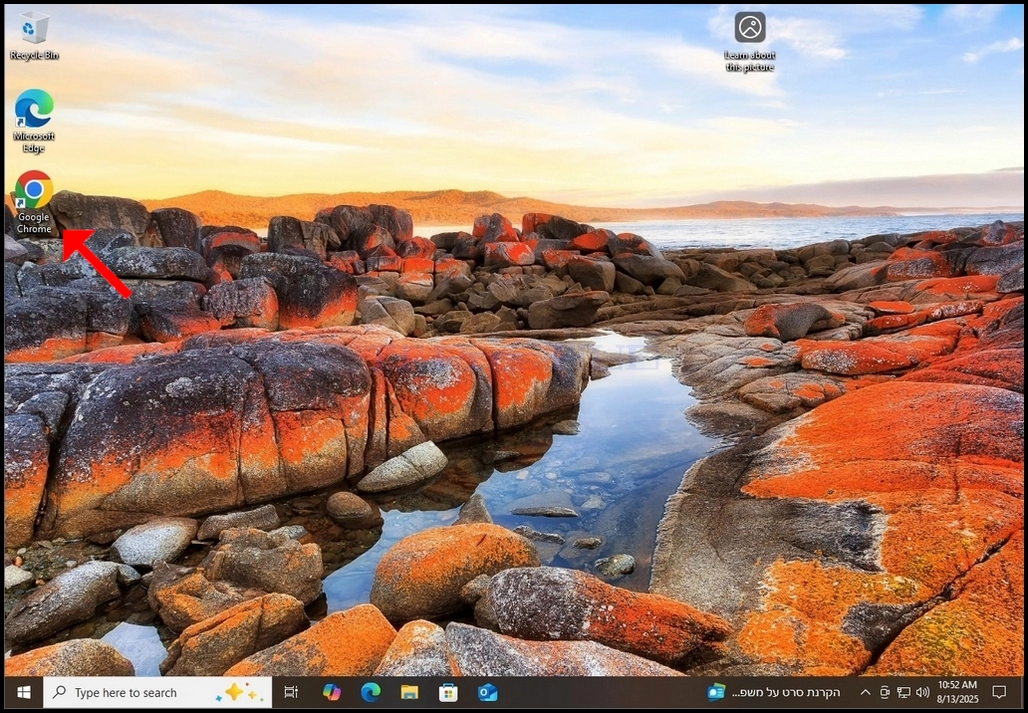
2. Gaa na injin ọchụchọ gị nke masịrị gị. N'ihe gbasara akụkọ a, anyị ga-eji Ngwa nchọta Google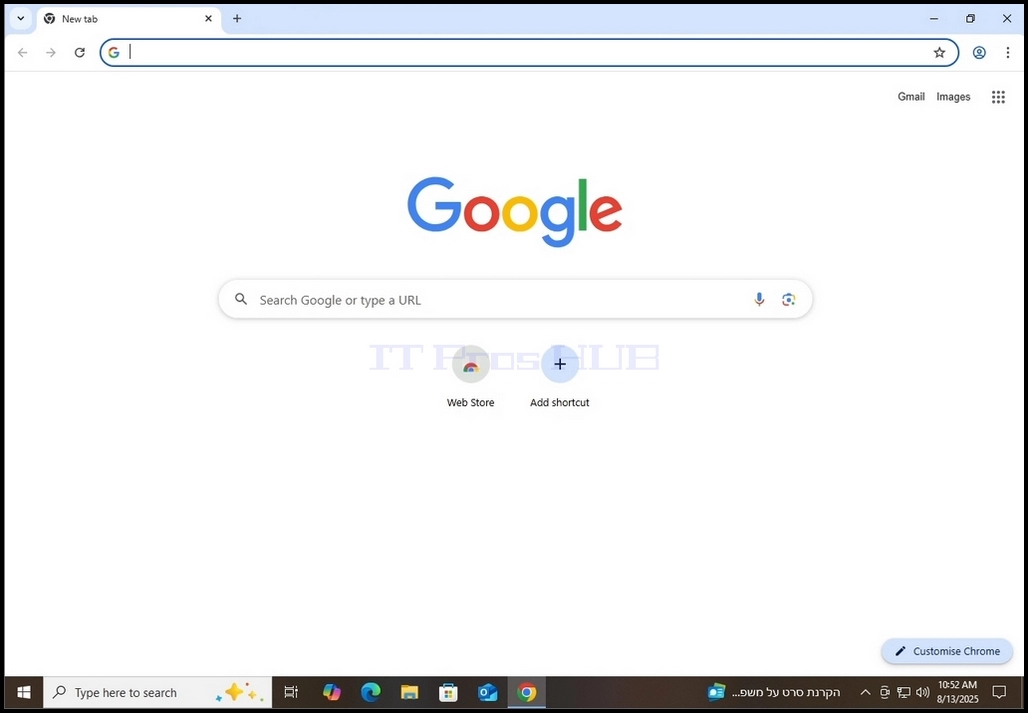
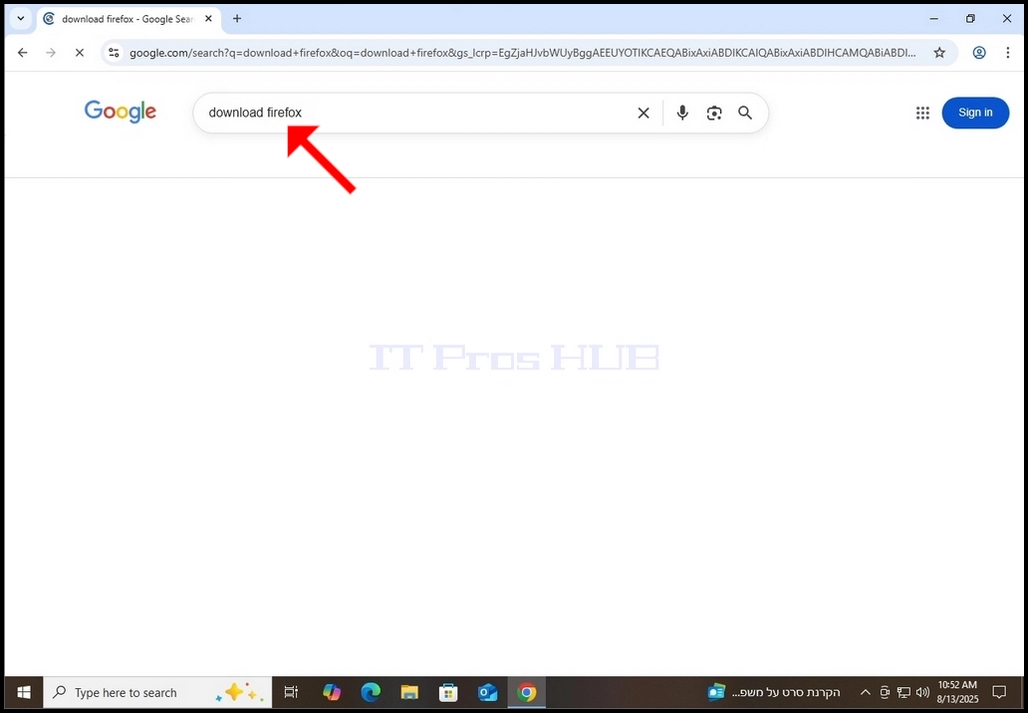
3. Pịa budata Firefox wee pịa igodo ENTER. Chere ka nsonaazụ ya pụta.
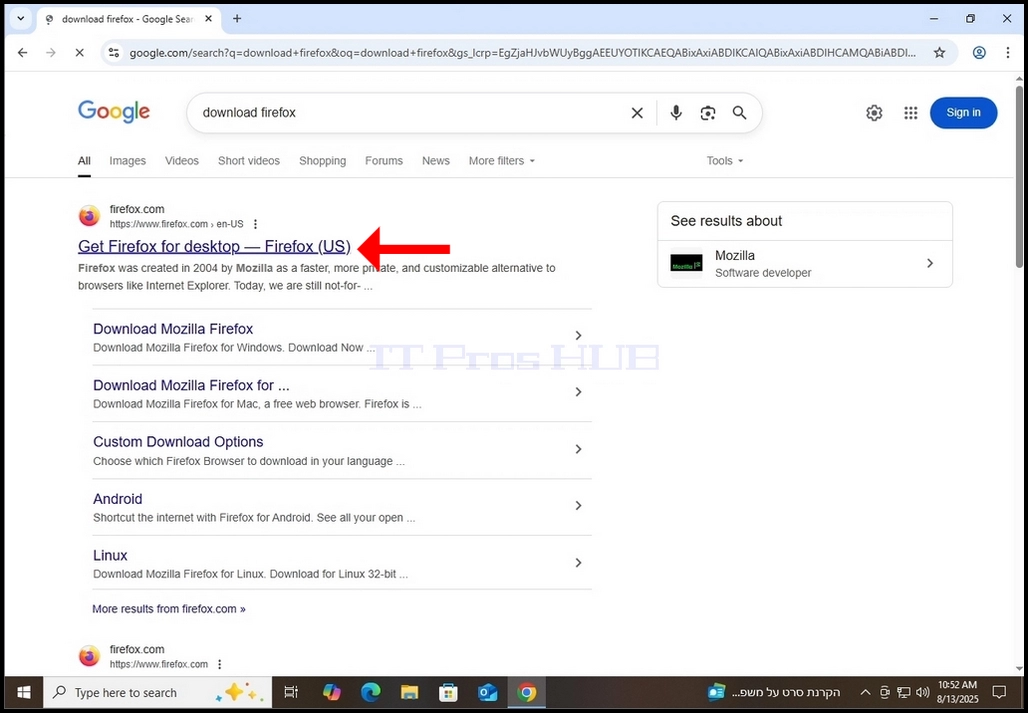
4. N'ọtụtụ oge na ọtụtụ injin ọchụchọ, nsonaazụ ọchụchọ achọrọ kwesịrị ịpụta kpọmkwem na mmalite nke ibe nsonaazụ ọchụchọ. N'okwu a ọ bụ.
a. Ihe achọrọ ga-abụ aha Nweta Firefox maka desktọpụ – Firefox (US).
b. Aha ngalaba kwesịrị ịbụfirefox.com
c. URL kwesịrị ịbụ https://www.firefox.com
5. Pịa ihe achọrọ otu ugboro wee chere ka ibe Firefox bufee ya.
6. Na ibe nbudata Firefox, tinye akara na nhọrọ Debe Firefox dị ka ihe nchọgharị ndabara gị wee pịa bọtịnụ anụnụ anụnụ Budata firefox. Pịa bọtịnụ ahụ ga-ebugharị gị gaa na ibe nbudata n'onwe ya ebe usoro nbudata nke faịlụ exe nrụnye Firefox kwesịrị ịmalite.
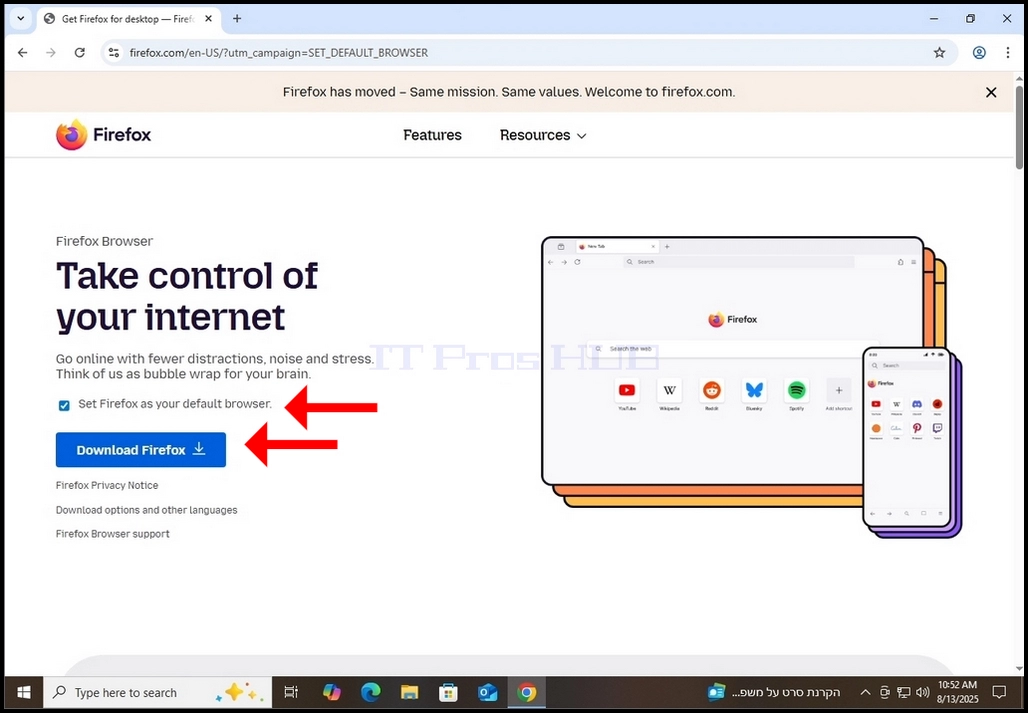
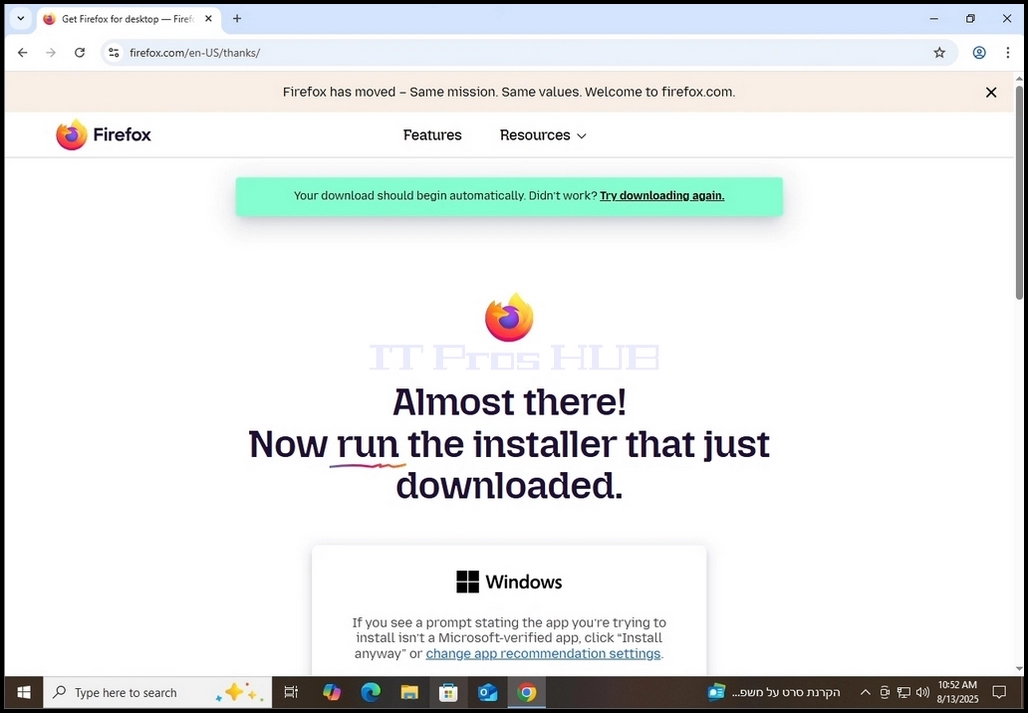
7. Ozugbo usoro nbudata ahụ malitere, ị ga-ahụ ụdị ihe ngosi na ihe nchọgharị gị na a na-ebudata faịlụ exe. N'ihe gbasara akụkọ a, Chrome na-egosi anyị na n'ezie a na-ebudata faịlụ.

- Ịpị otu ugboro na akara ngosi nbudata (akụ anụnụ anụnụ) ga-ekpughe faịlụ nrụnye exe ebudatara dịka a pụrụ ịhụ na foto na-esote.
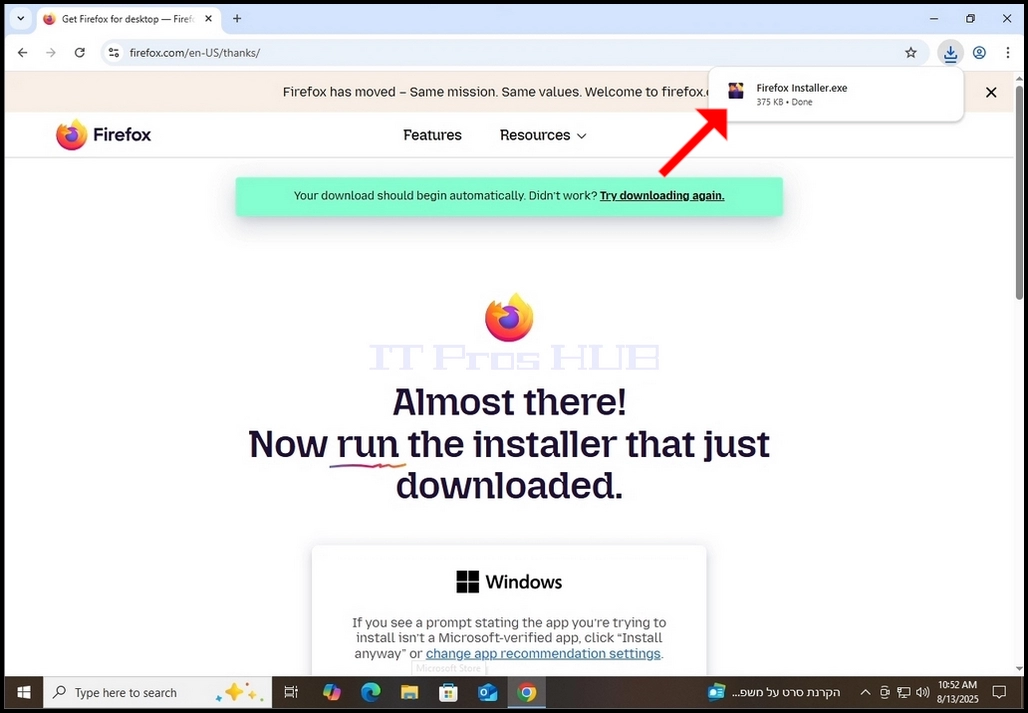
9. Ozugbo ebudatara faịlụ nrụnye ahụ, pịa ya ugboro abụọ wee chere ka windo ikike Windows UAC pụta.