Tagline:HowtoSeeHiddenFilesandFoldersinWindows11November2025+1
Introduction:
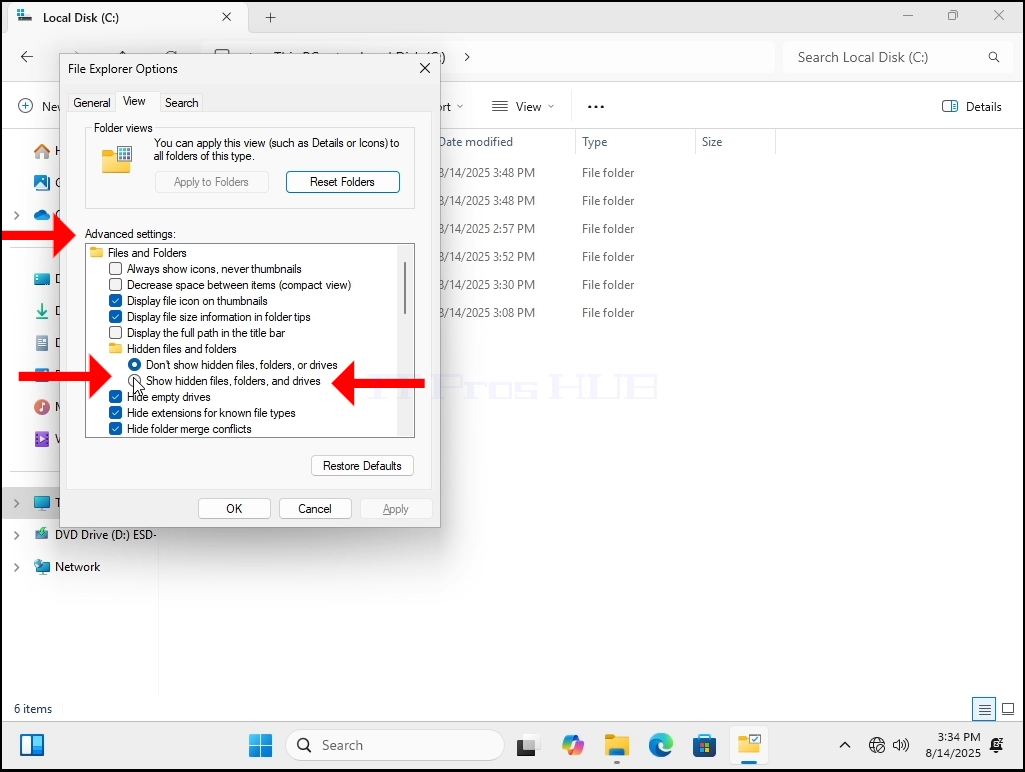
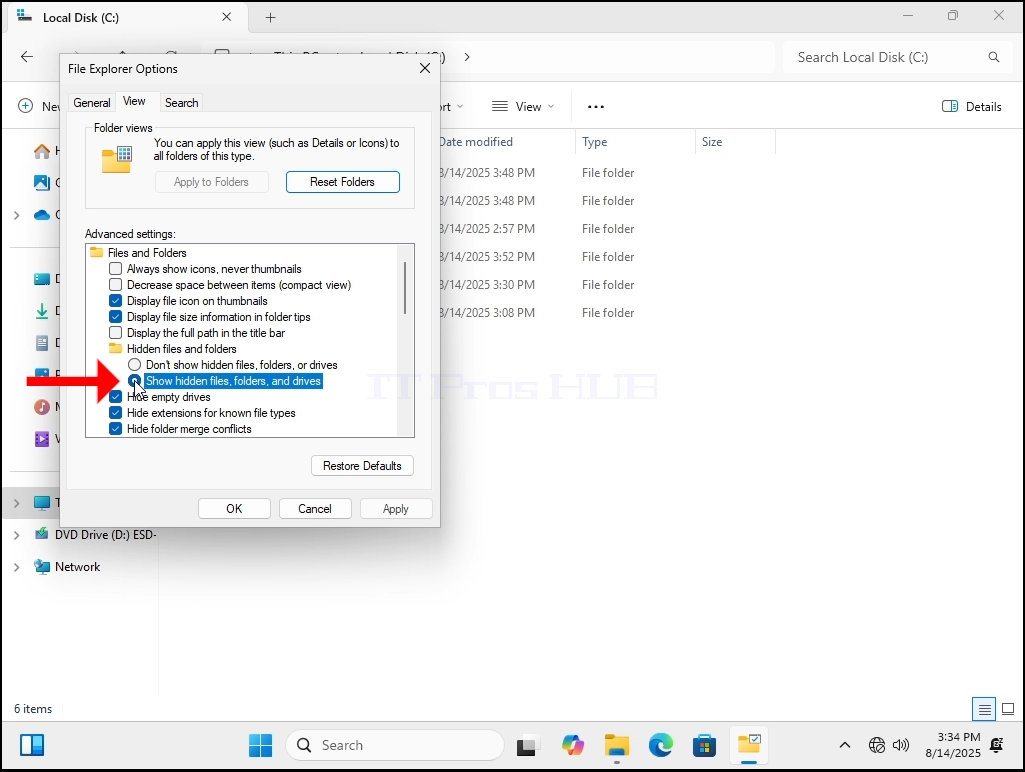
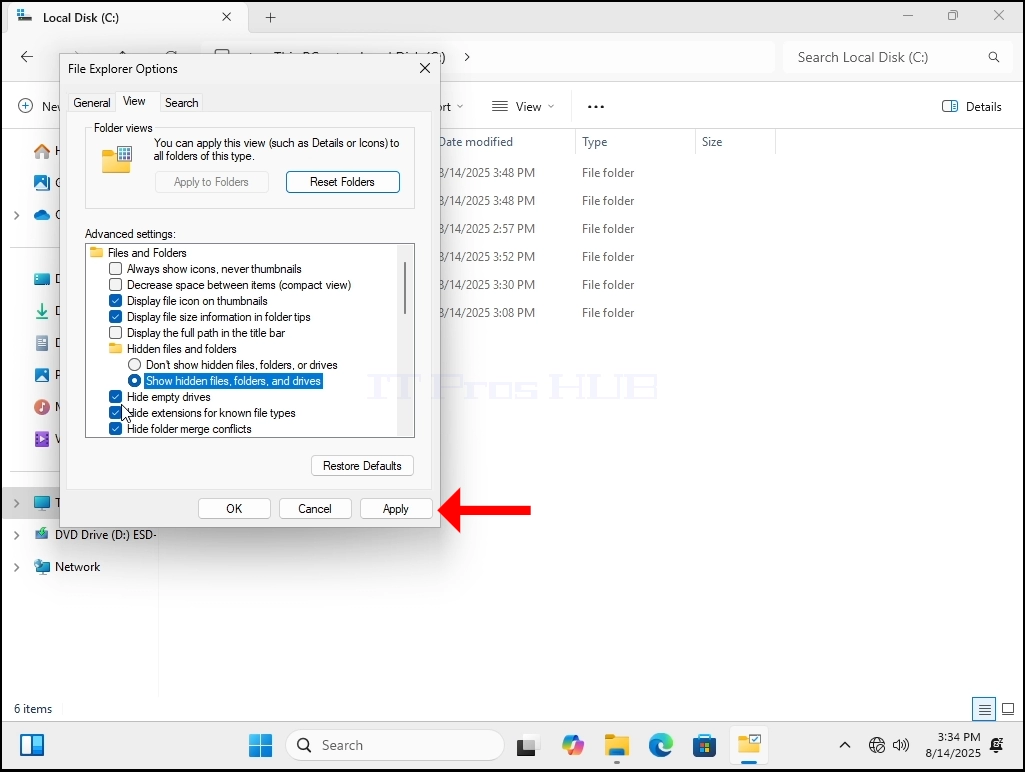
In this article we will demonstrate how to configure Windows 11 to be able to show hidden files and folders that are otherwise are like that out of the box.
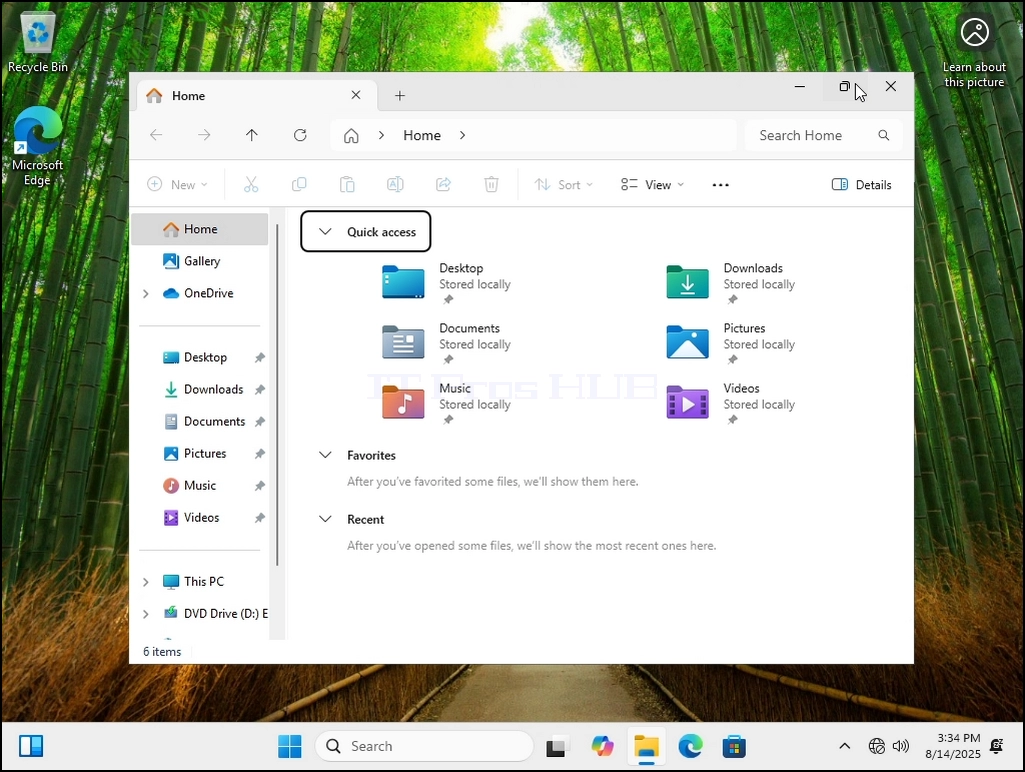
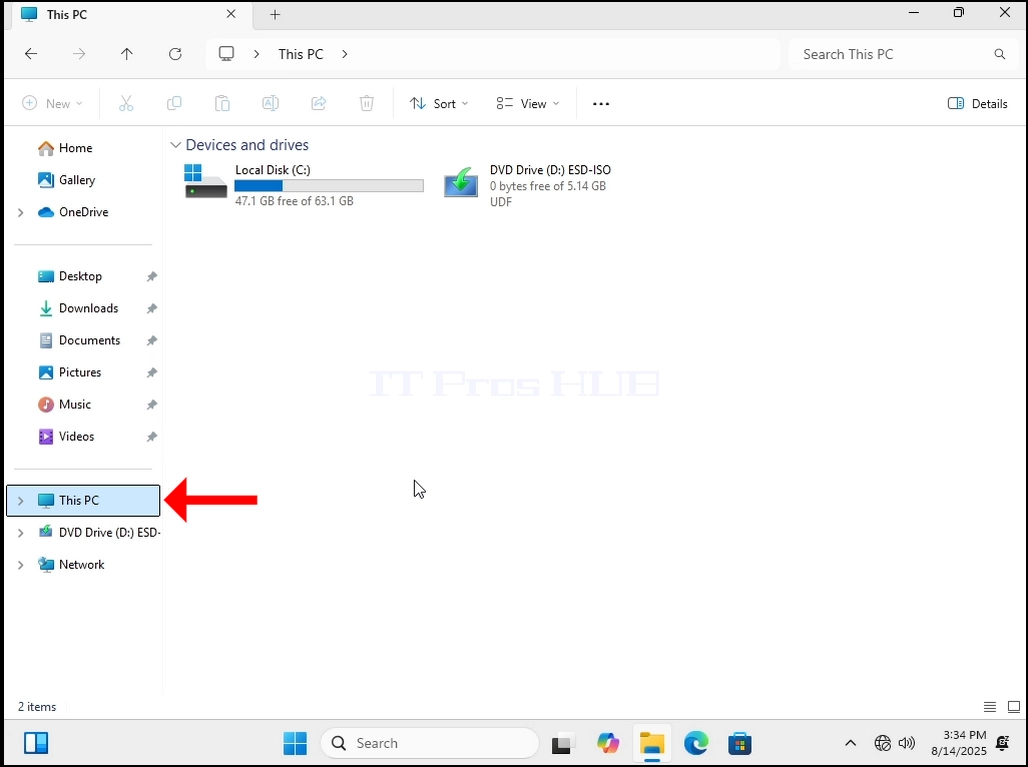
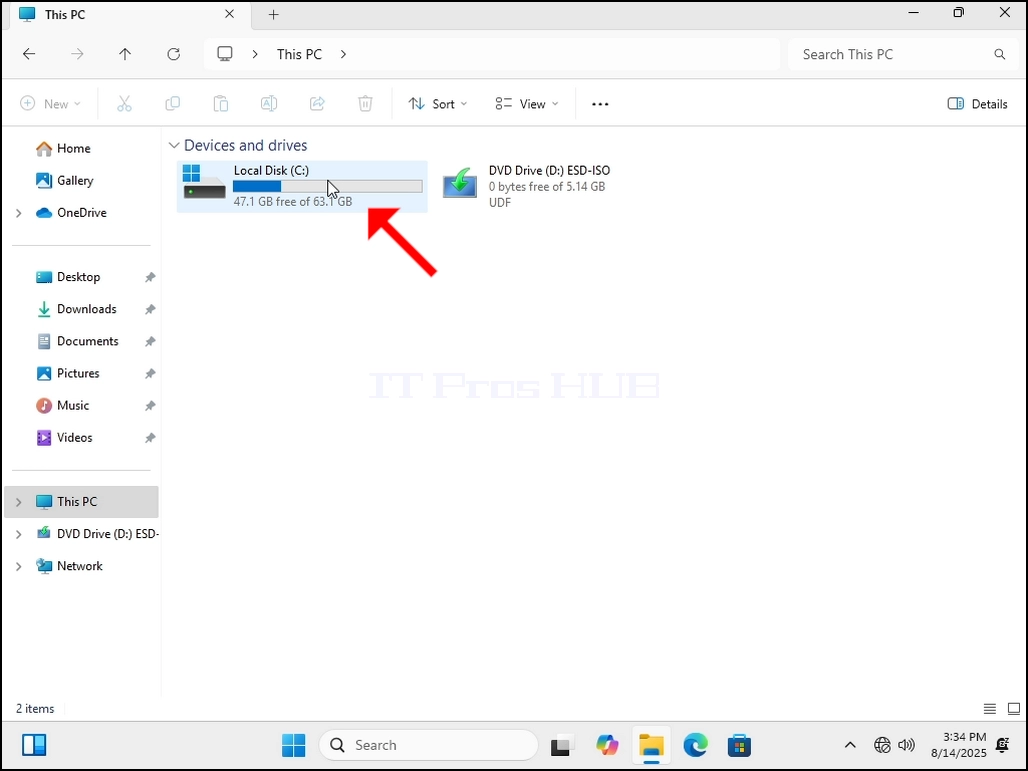
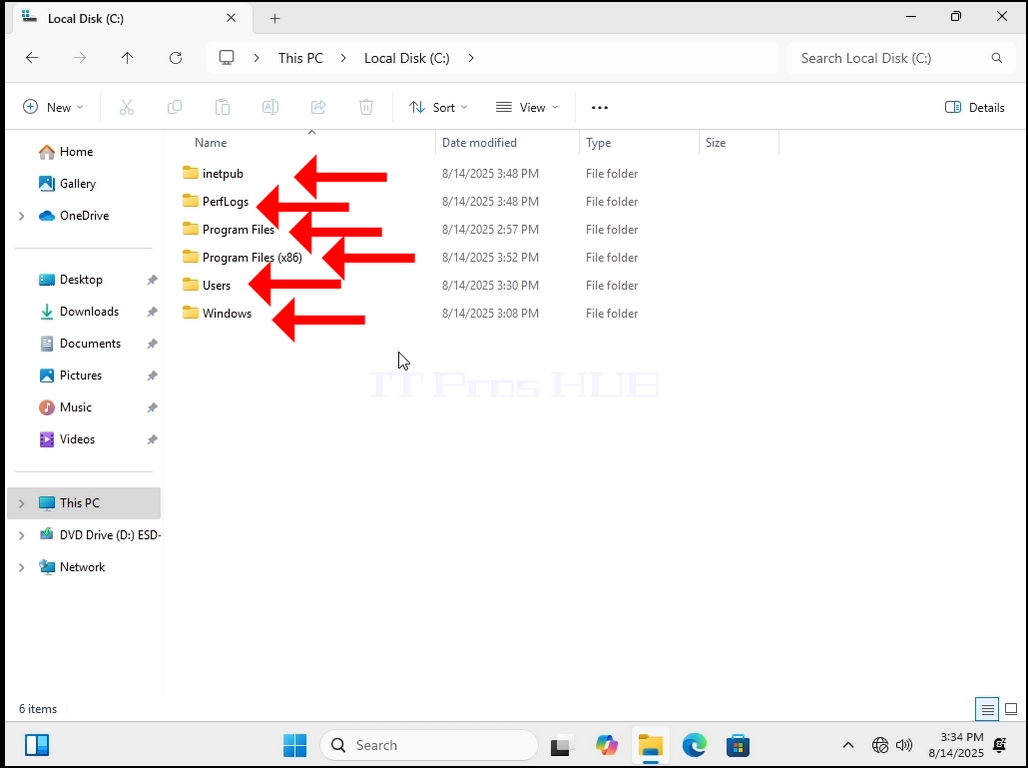
1. Let’s go to where Windows is currently installed, in this case it’s the C: drive.
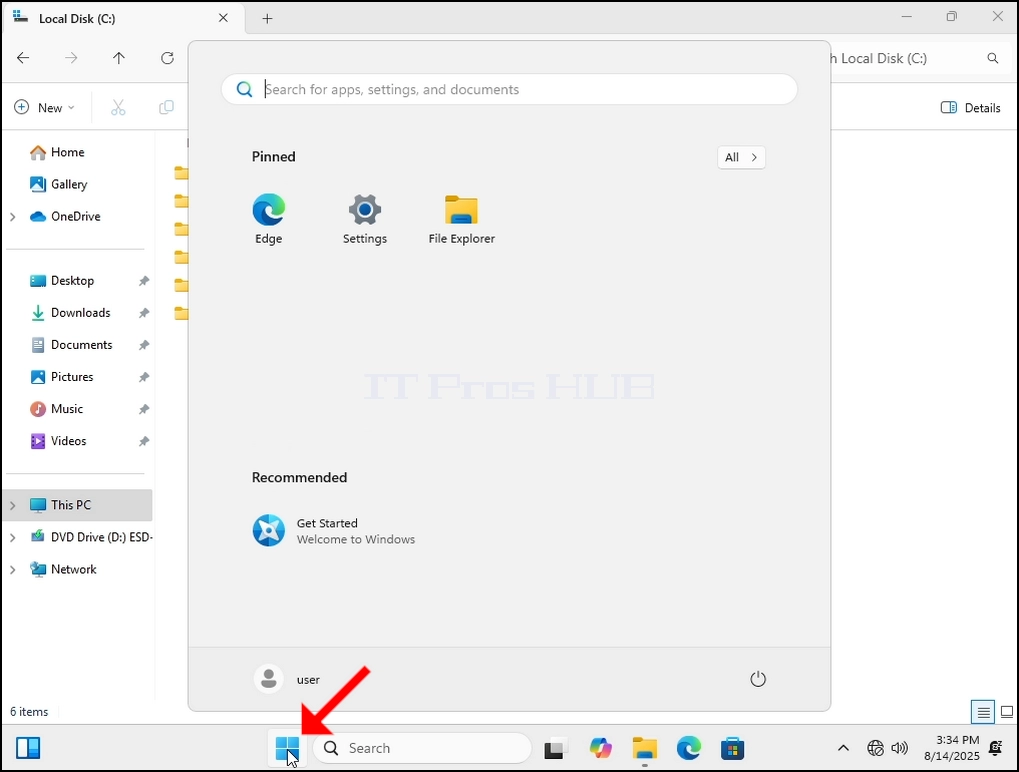
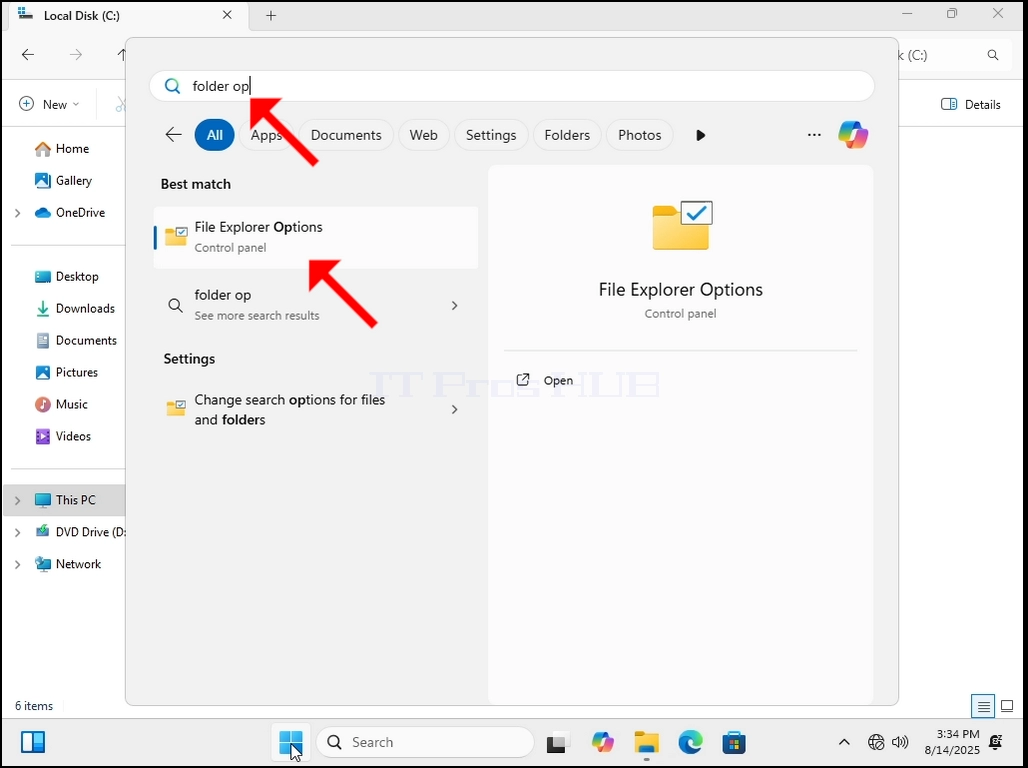
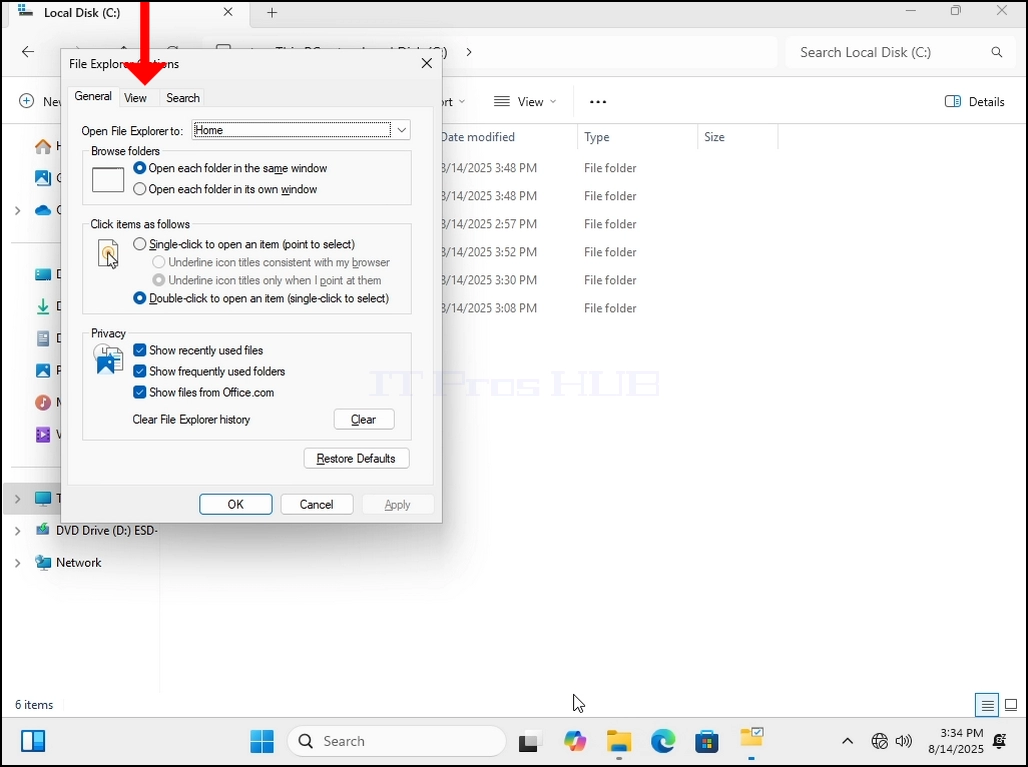
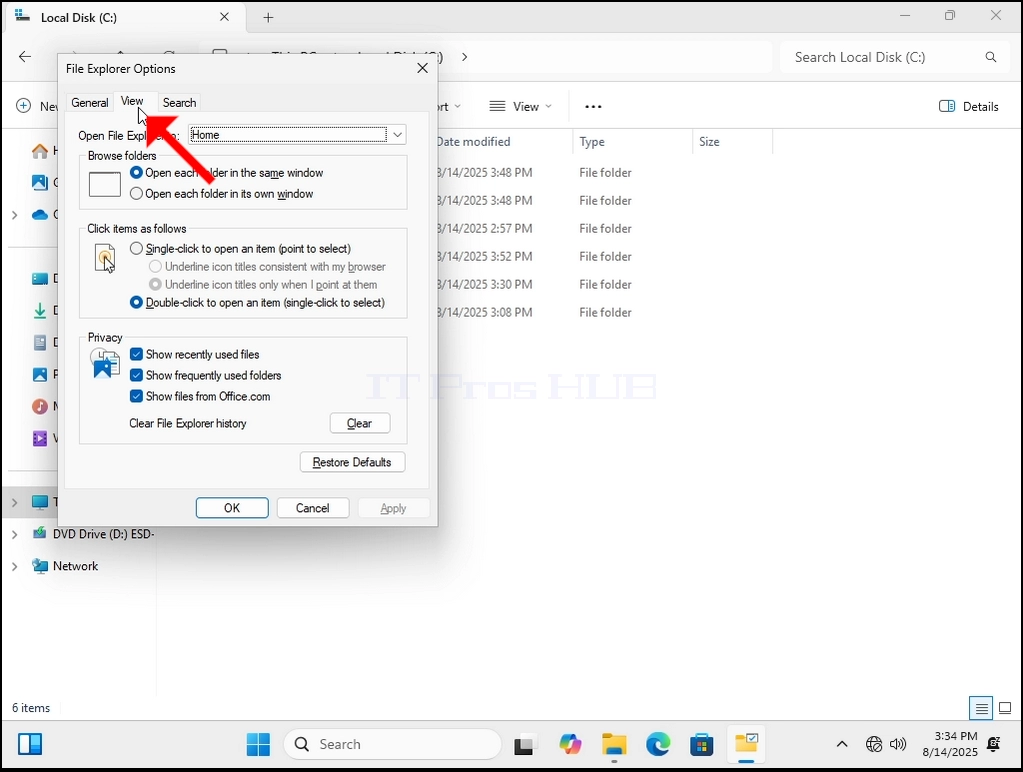
4. Once inside Folder Options, go to the VIEW tab on the top part of the window. Click on it. Wait for the View tab to load.
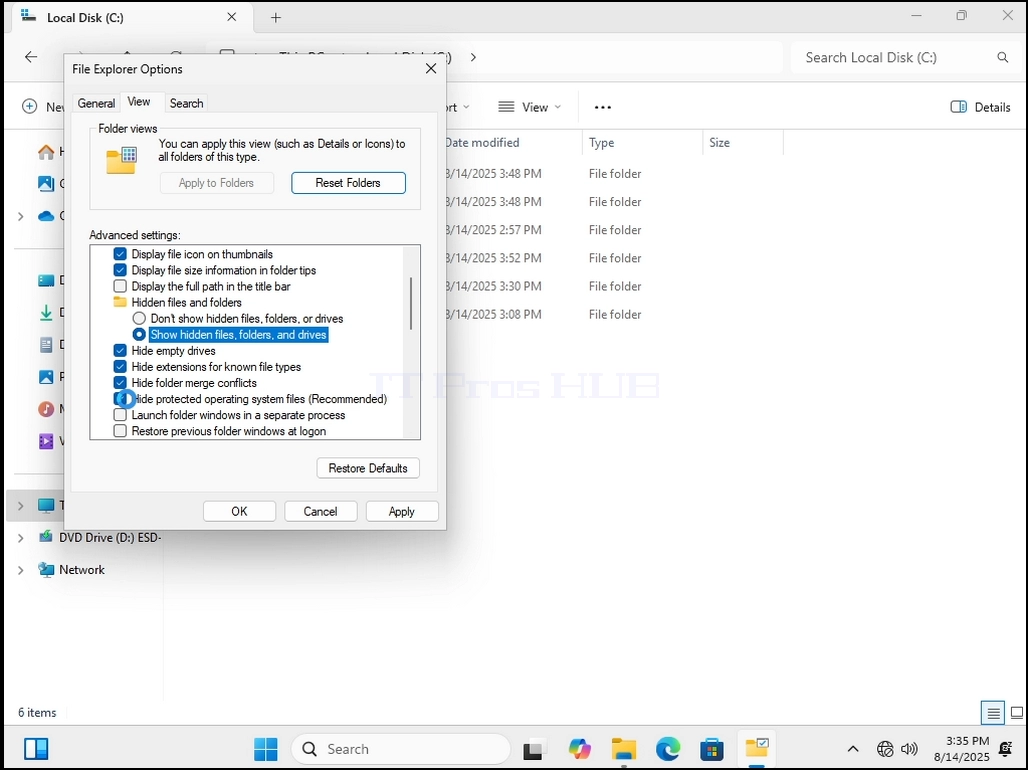
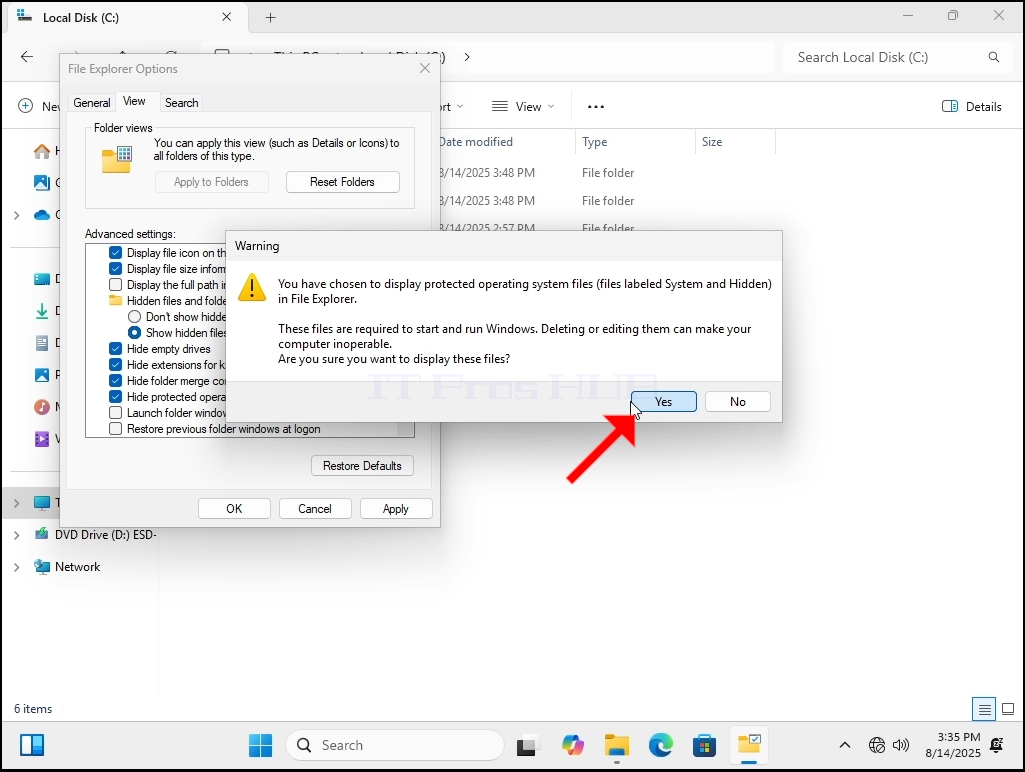
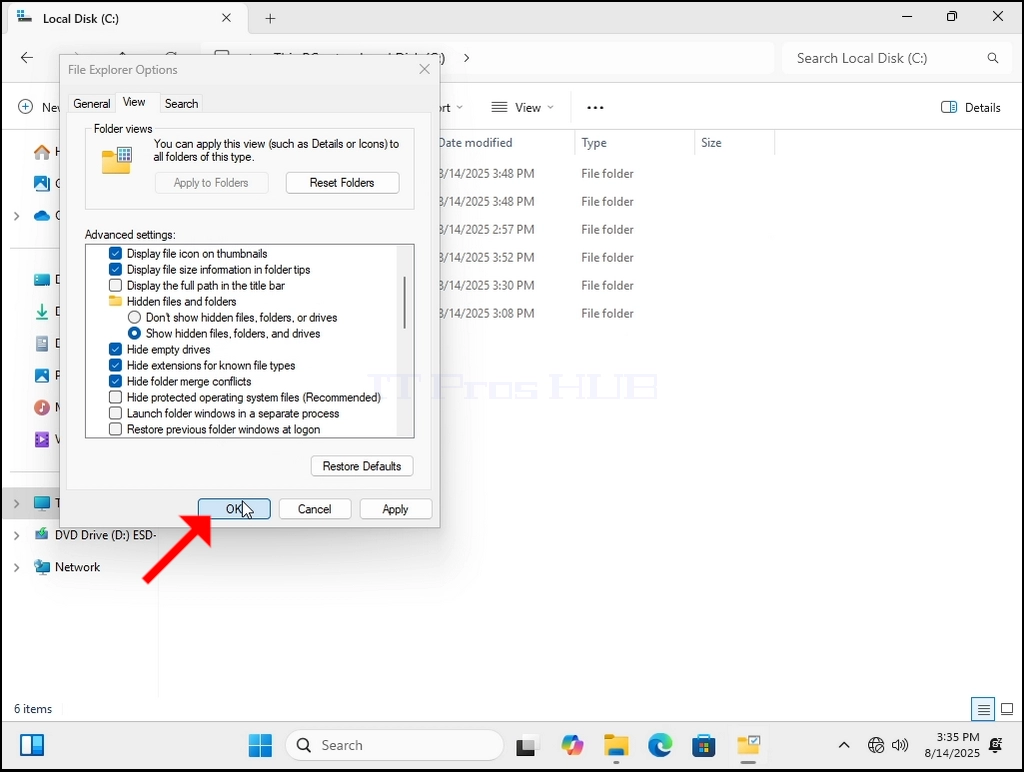
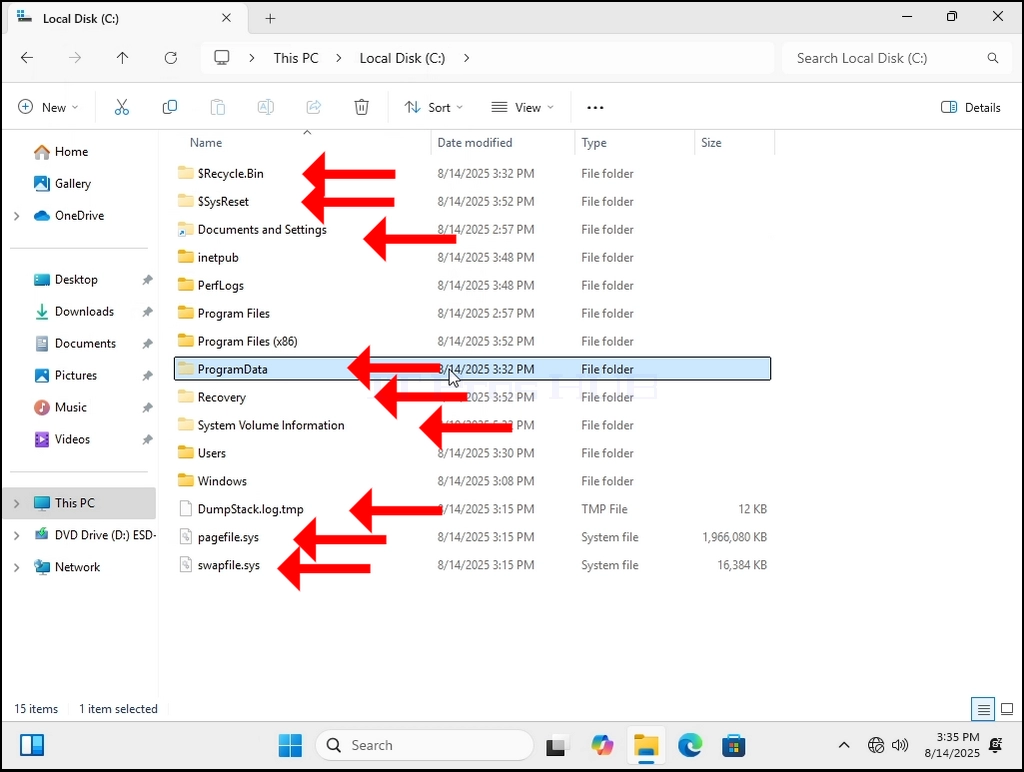
7. Let’s go back to C: drive. Now we can see many more folders, and we can see some files as well.